AI Garage Sale
E-Commerce Amazon Sellers
Learn more
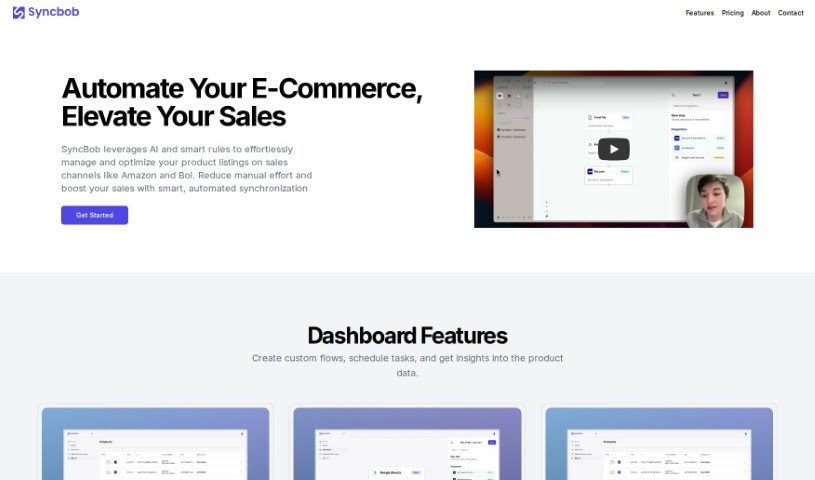
Discover what Syncbob is and how it automates product data management across marketplaces like Amazon and Bol.com for e-commerce sellers.
SyncBob is a tool for e-commerce business owners that manages and automates product data. It keeps product listings updated and synchronized across online shops and marketplaces, including Amazon and Bol.com. By removing manual data entry, it saves time and reduces errors. The dashboard lets you set up custom workflows, schedule tasks to run automatically, and get insights about your product data. The tool supports many platforms, offers pricing plans that scale with your business, and uses AI to improve product data quality — all designed to help your products reach the right customers and keep operations running smoothly.
SyncBob was developed to make product data management easier and more automated for e-commerce businesses. The specific founder isn’t stated in the available details. Its core purpose is keeping product listings current and synchronized across platforms such as Amazon and Bol.com.
SyncBob is designed for e-commerce business owners and retailers — essentially anyone selling products online who wants to manage their product data more effectively.
Related
Discover more tools in similar categories
Weekly picks of the best AI tools we've researched and added — no spam, unsubscribe anytime.
Join 25,000+ AI enthusiasts. No spam, unsubscribe anytime.