20Paths
Productivity Documentation
Learn more
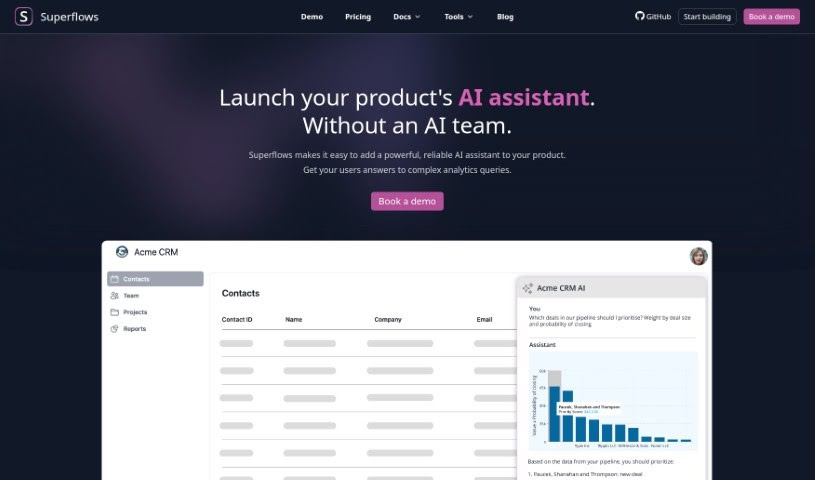
Discover what Superflows is and how it embeds an AI product assistant into your software with just an API connection and a code snippet.
Superflows lets you build an AI product assistant quickly by connecting your API and adding a few lines of code to your product. The goal is to improve user experience without significant engineering time. It gives users custom answers to complex questions, improving how they interact with your product.
Superflows was built by a London-based team including James Rowland (Software Engineer), Henry Pulver (CTO), and Matthew Phillips (CEO). James started coding during his neuroscience PhD at Oxford. Henry studied at Cambridge, has a background in machine learning and software engineering, and worked at FiveAI. Matthew completed his neuroscience PhD at UCL. Their mission is to create products that solve real problems.
Superflows uses Large Language Models (LLMs) to simplify building a product assistant. It is also available as an open-source option on GitHub. Pricing includes free features with a query limit, plus enterprise solutions with more capabilities and support.
Related
Discover more tools in similar categories
Weekly picks of the best AI tools we've researched and added — no spam, unsubscribe anytime.
Join 25,000+ AI enthusiasts. No spam, unsubscribe anytime.