777ccc.com
Education Summarizers
Learn more
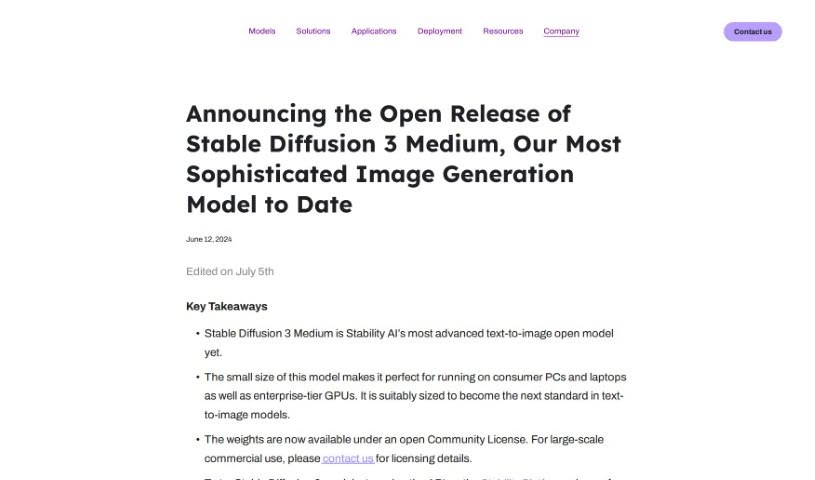
Learn what Stable Diffusion 3 Medium is, who built it, and the features Stability AI says it offers, from image quality to fine-tuning.
Stable Diffusion 3 Medium (SD3 Medium) is Stability AI’s latest image generation model. According to the company, it delivers strong image quality, handles complex prompts well, supports typography, is resource-efficient, and can be fine-tuned.
Note: some directory descriptions conflate this AI model with laboratory cell culture media — a “medium” that provides nutrients for growing cells in research settings. That is a different product category entirely; Stable Diffusion 3 Medium is a generative AI model, not a biological reagent.
Stable Diffusion 3 Medium was developed by Stability AI, a company focused on making generative AI technology accessible to everyone. Stability AI is collaborating with NVIDIA to boost the model’s performance, and the model is available under the Stability Community License.
The model is released under the Stability Community License. Details and access are available on the official Stability AI announcement page.
Related
Discover more tools in similar categories
Weekly picks of the best AI tools we've researched and added — no spam, unsubscribe anytime.
Join 25,000+ AI enthusiasts. No spam, unsubscribe anytime.