777ccc.com
Education Summarizers
Learn more
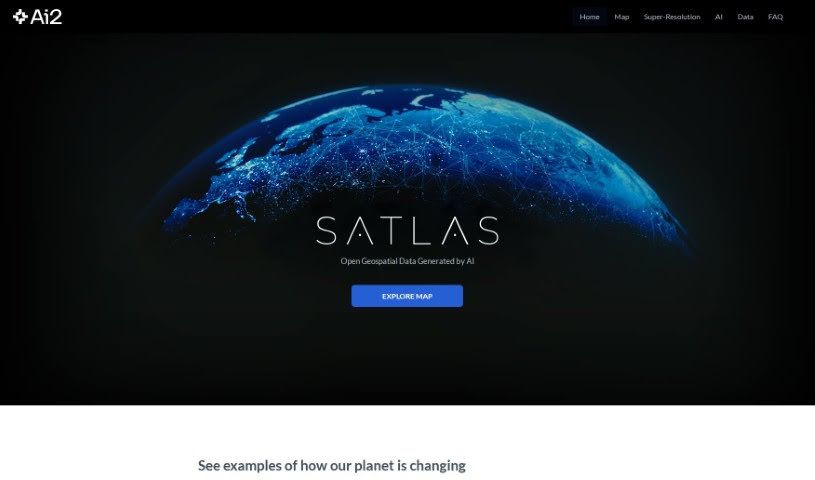
Discover Satlas, an AI2 platform offering AI-annotated satellite imagery for tracking environmental change, urban development, and geospatial research.
Satlas is a tool from AI2 (the Allen Institute for AI) that lets you observe how the planet is changing using AI-annotated satellite imagery. It provides a dynamic way to watch environmental transformations and urban development over time. You can move between time periods and explore different locations to see these changes unfold. It is built to be straightforward, whether you are a teacher, a researcher, or simply curious about the world.
Key Features of Satlas:
Satlas was developed by Favyen Bastani and the AI2 team at the Allen Institute for AI. The platform uses AI-annotated satellite imagery to help users observe environmental shifts and urban development, and it is designed to be accessible to educators, researchers, and anyone interested in the planet’s changing landscape.
The platform suits both professionals and enthusiasts, making it useful for education and research.
The interface is designed for users at any skill level, so no specialized training is required to start exploring.
Related
Discover more tools in similar categories
Weekly picks of the best AI tools we've researched and added — no spam, unsubscribe anytime.
Join 25,000+ AI enthusiasts. No spam, unsubscribe anytime.