What is Inline Help?
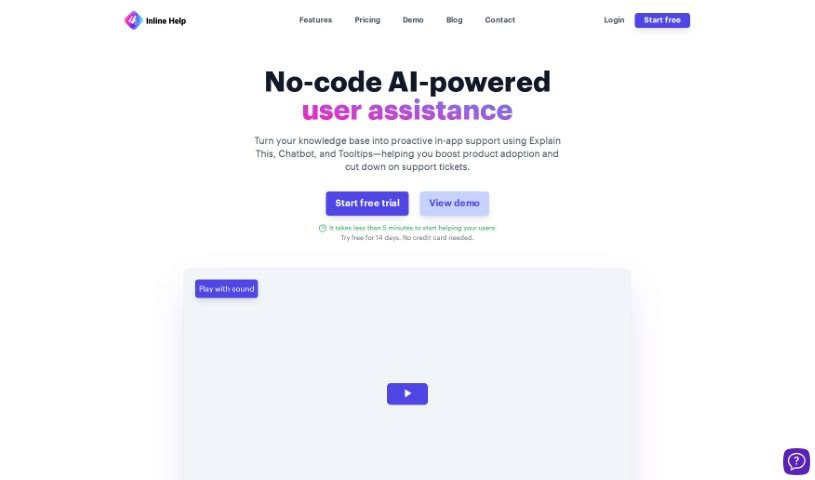
Inline Help is a Software as a Service (SaaS) platform that offers real-time, contextual assistance right inside your software applications. It is having a helpful guide available exactly when and where you need it. It’s designed to make using software much smoother by offering interactive guides, helpful tooltips, a friendly chatbot, and even customized support content powered by AI. Essentially, it takes your existing knowledge base and turns it into a proactive support tool, giving users immediate insights as they navigate through a website or application. The team at Inline Manual, who developed it, really focused on making it easier for users to get engaged, reducing the time it takes to learn new software, and generally making the user’s journey simpler and more efficient.
Who created Inline Help?
Inline Help was actually created by the team at Inline Manual. They’re a company that’s really dedicated to making software applications easier and more enjoyable to use. Inline Manual Ltd. itself was founded over ten years ago with a clear mission: to simplify how people adopt software and to really improve their overall user experience. Over time, the platform grew and evolved, offering more comprehensive digital adoption solutions. This led to the development of Inline Help, which is their AI-powered tool specifically designed to provide context-sensitive help to users right when they need it.
What is Inline Help used for?
Inline Help is incredibly versatile and can be used for a variety of purposes:
- Creating a seamless user experience: It ensures users have a smooth and uninterrupted interaction with your software.
- Enhancing user experience: It actively works to make the overall experience more positive and productive.
- Transforming your knowledge base into proactive support: Instead of users having to search for answers, Inline Help brings the answers to them.
- Driving operational efficiency: By providing instant help, it reduces the need for direct support, freeing up your teams.
- Offering instant website insights: Users can quickly understand how different parts of your site work.
- Prioritizing security: The platform is built with security in mind.
- Complying with ISO27001 standards: This demonstrates a commitment to robust information security management.
- Complying with GDPR standards: It ensures user data is handled responsibly and in accordance with privacy regulations.
- Streamlining the issue-resolution process: Users can often solve their own problems quickly, speeding up resolution times.
- Achieving In-App Contextual Mastery: Users gain a deep understanding of the application’s features as they use them.
- Providing Real-Time Intelligent Responses: Get smart, relevant answers immediately.
- Acting as an integrated support hub: It centralizes help resources within the application itself.
- Building a user-centric journey knowledge base: The help content is tailored to the user’s specific path and needs.
- Enabling Hassle-Free Issue Reporting: Users can easily report problems when they encounter them.
Who is Inline Help for?
Inline Help is a valuable tool for a wide range of professionals who are involved in customer success and software development:
- Customer Support Representatives
- Customer Service Managers
- User Experience Designers
- Customer Support Specialists
- Web Developers
- Software Developers
- Technical Writers
How to use Inline Help?
Using Inline Help effectively is straightforward. Just follow these simple steps:
- Find the Help: Look for the familiar question mark icon or a dedicated ‘Help’ option within the software you’re using. It’s usually placed in an easy-to-spot location.
- Activate It: Give that question mark icon a click. This action will bring up the Inline Help feature.
- Get Your Guidance: You’ll see a pop-up window appear. This window will display helpful tips, clear instructions, and other guidance tailored to what you’re doing.
- Explore the Information: Feel free to scroll through the content provided. You can find solutions to your questions or learn more about how the tool’s features work.
- Close When Done: Once you’ve got the information you need, you can easily close Inline Help. Just click the close button or click anywhere outside the pop-up window.
- Put It to Use: Take the insights you’ve gained and apply them. This will help you use the tool more effectively and boost your overall efficiency.
- Come Back Anytime: If you run into any more difficulties or just need a quick reminder, don’t hesitate to revisit Inline Help. It’s there whenever you need it!