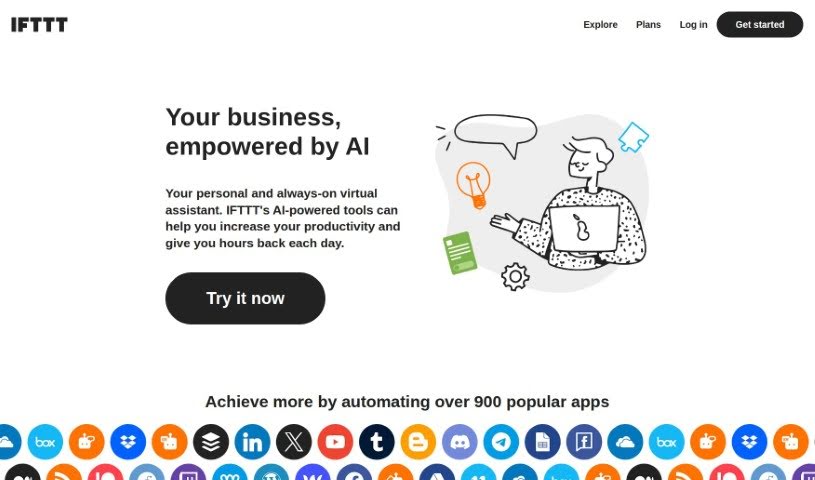
Screenshot of Ifttt AI Services

Ifttt AI Services

Discover what IFTTT AI Services are and how to use them to your advantage in 2025. We'll cover its features, compare it to other AI assistants, and show you how to get started.

Screenshot

What Exactly Are IFTTT AI Services?

IFTTT, which stands for “If This, Then That,” is a platform designed to help you automate tasks by connecting different web services and devices. Think of it like building your own custom digital assistant. You create automated workflows, called applets, that follow a simple rule: if something specific happens (the “This”), then do something else (the “That”).

By incorporating artificial intelligence, IFTTT AI Services takes this a step further. It lets you automate tasks and manage how your various apps and gadgets talk to each other more smoothly. You can really personalize your digital experience by setting up automations that fit exactly what you need, making your daily life more productive and convenient. The platform is super easy to use, and they offer tons of pre-made applets, so it’s great for anyone, whether you’re an individual looking to simplify things or a business aiming for better automation.

Who’s Behind IFTTT AI Services?

IFTTT, or “If This, Then That,” was actually started by Linden Tibbets. He’s an entrepreneur who has a background in adaptive technology. IFTTT itself was founded back in 2010, and it’s a company that focuses on connecting apps and services to automate everyday tasks. The core idea is that users can create these applets that trigger actions based on certain conditions, which really helps boost productivity and makes using technology much more convenient.

What Can You Actually Do with IFTTT AI Services?

There’s a whole lot you can automate! Here are just a few examples:

  • You can automatically save a copy of your Spotify Discover Weekly playlist.
  • Imagine turning your lights on or off with just a single tap on your phone.
  • Get a daily quote delivered right to your phone as a notification.
  • Receive a weekly summary of your favorite blog posts about a topic you love.
  • Your Android phone can automatically unmute itself when you arrive back home.
  • Keep all your contacts safely backed up.
  • Save songs you like from Spotify directly into a Google Drive document.
  • Automatically sync new contacts from your iOS device to a Google Spreadsheet.
  • You can even build your very own custom Applet from the ground up.
  • Easily post the same content across multiple social media networks at once.
  • Get Slack notifications whenever someone submits a form on your Webflow site.
  • Automate the way you track and organize leads for your business.
  • Use IFTTT AI Content Creator to help generate blog posts and social media updates.
  • Save a ton of time by writing and posting to different networks automatically.
  • Connect all sorts of services for both your business and your home.
  • You can really fine-tune your integrations using filter code and custom queries.
  • Connect multiple accounts for the same service if you need to.
  • Automate tasks on both iOS and Android apps to save you time.
  • Join a massive community of 27 million users and over 900 brands already using IFTTT!

Who Would Find IFTTT AI Services Useful?

IFTTT AI Services can be a real game-changer for a variety of professionals and individuals, including:

  • Marketing Specialists
  • Social Media Managers
  • Content Creators
  • Sales Professionals
  • Customer Support Representatives
  • Project Managers
  • Data Analysts
  • Web Developers
  • Freelancers
  • Small Business Owners
  • IT Specialists
  • Event Coordinators
  • Real Estate Agents
  • E-commerce Managers
  • Productivity Consultants

How Do I Get Started with IFTTT AI Services?

Ready to dive in? Here’s a simple guide to using IFTTT AI Services:

  1. First, you’ll want to sign up for an IFTTT Pro+ trial. This is how you’ll get access to all the AI services.
  2. Next, pick the specific AI service you’re interested in. IFTTT offers quite a few, like AI Social Creator, AI Content Creator, AI Summarizer, AI Prompt, AI YouTube Assistant, AI Twitter Assistant, AI LinkedIn Assistant, AI Facebook Assistant, AI Translation, or AI Grammar Assistant.
  3. Once you’ve chosen a service, you can start using it right away. For example, you might generate short or long-form content, create summaries, draft responses, improve your YouTube management, boost your Twitter presence, enhance your LinkedIn activity, manage your Facebook page, translate text, or fix grammar issues.
  4. Take some time to explore what each AI service can do. You can customize how you use them to perfectly match your specific needs.
  5. If you’re looking for even more advanced automations, especially if you’re a ChatGPT Plus subscriber, you can also check out the IFTTT ChatGPT plugin.
  6. Finally, just enjoy the benefits! You’ll likely find you save a lot of time and become much more productive thanks to the wide range of AI services available on IFTTT.

By following these steps, you can really make the most of IFTTT’s AI Services to simplify your content creation and management tasks.

Related AI Tools

Discover more tools in similar categories that might interest you

Stay Updated with AI Tools

Get weekly updates on the latest AI tools, trends, and insights delivered to your inbox

Join 25,000+ AI enthusiasts. No spam, unsubscribe anytime.