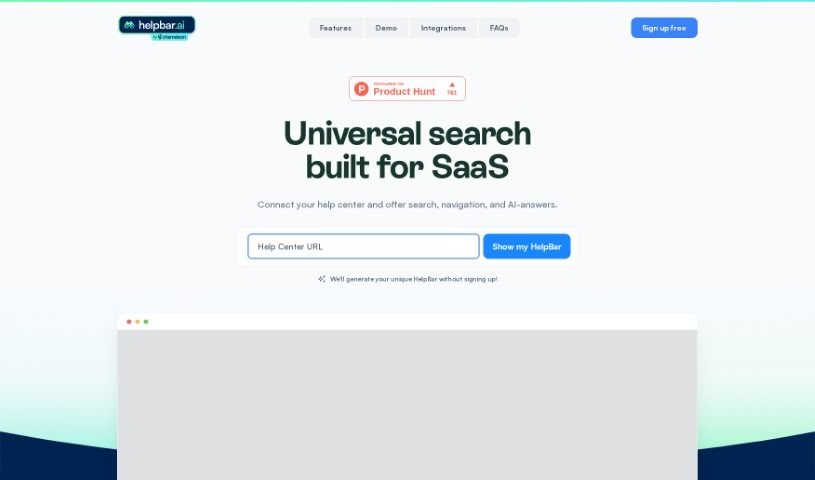
Screenshot of Helpbar.ai

Helpbar.ai

Discover what Helpbar.ai is and how to use it effectively in 2025. We'll explore its features and see how it stacks up against other customer service tools.

Screenshot

What is Helpbar.ai?

Helpbar.ai is your product’s built-in assistant. It lets people easily search through your help materials, find their way around your product, and even launch extra tools, which we call ‘Extensions.’ The main idea is to make it super quick for users to get the answers they need and succeed with your product, all without leaving the product itself. It’s all about making the user experience smoother and more efficient by putting resources and features right where people need them.

Who created Helpbar.ai?

Daniel Marashlian is the person behind Helpbar.ai; he’s also the Chief Technology Officer (CTO) for the company. His vision for the platform is to give users a seamless way to search help resources, navigate products, and activate various ‘Extensions’ directly within the product. This setup is designed to help users find answers and achieve their goals quickly and easily.

Who is Helpbar.ai for?

  • Product Marketing teams
  • Customer Support professionals

How to use Helpbar.ai?

Getting Helpbar.ai up and running is pretty straightforward. Here’s a quick rundown:

  1. Connect Your Help Center: First, link your help center to HelpBar.ai. This allows it to offer search capabilities, help with product navigation, and provide AI-powered answers.
  2. Generate Your HelpBar: You can create your unique HelpBar without even needing to sign up. Setting up this self-serve support is designed to be easy and free.
  3. Use the Shortcut: Once it’s set up, you can use a simple keyboard shortcut. This is where the magic happens, letting users search and find information across all your resources, opening up tons of possibilities for how they can get help.
  4. Implement for Self-Service: By putting HelpBar in place, you empower your users to help themselves succeed quickly. They can access help resources, navigate the product, and launch other actions all within your product.
  5. Embed Everywhere: When you embed HelpBar.ai across your product, you can bring the most relevant content right to the forefront. This really boosts the user experience and makes people happier with your product.

By following these steps, you can really make the most of HelpBar.ai. It’s a great way to improve how users interact with your product, make your support processes run more smoothly, and generally make your product easier and more pleasant to use.

Related AI Tools

Discover more tools in similar categories that might interest you

Stay Updated with AI Tools

Get weekly updates on the latest AI tools, trends, and insights delivered to your inbox

Join 25,000+ AI enthusiasts. No spam, unsubscribe anytime.