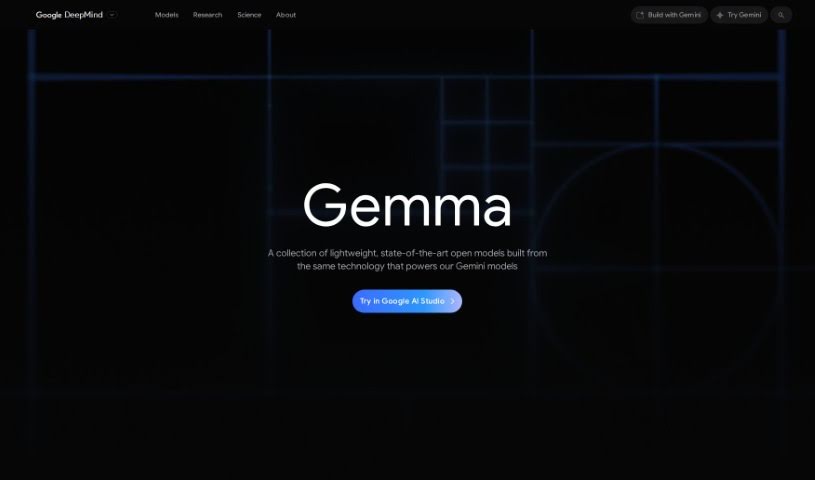
Screenshot of Gemma 2

Gemma 2

Curious about Gemma 2? We'll break down what this powerful AI model is, how it works, and how you can start using it in 2025. We'll also look at its features and how it stacks up against other AI assistants.

Screenshot

What Exactly is Gemma 2?

Gemma 2 is the latest AI model to hit the scene, and it’s pretty impressive. It comes in three different sizes – 2 billion, 9 billion, and 27 billion parameters – all designed to be super powerful and efficient. What’s really neat is that it’s built with safety features right in, which helps it perform even better. Google designed Gemma 2 to offer top-notch performance and efficiency, especially when it comes to running quickly on all sorts of hardware. They’ve really focused on making it easy to deploy in real-world situations, and thanks to its new architecture, Gemma 2 can process information incredibly fast. This makes it a fantastic tool for anything that needs quick, reliable processing.

So, Who’s Behind Gemma 2?

Google is the team that created Gemma 2. You might already know about the Gemma family, which includes Gemma 1 and now Gemma 2, with its 2.6 billion parameter version. As I mentioned, Gemma 2 comes with those built-in safety advancements. Plus, they’ve developed something called ShieldGemma, which is a safety content classifier that actually uses Gemma 2 to make sure everything stays safe for users.

How Can You Start Using Gemma 2?

Ready to dive in? Here’s a straightforward way to get started with Gemma 2:

  1. Explore the Gemma Models: You can really get a feel for what Gemma models can do by checking out the Weights and Biases Model Registry. They also have launch tools and step-by-step examples available online to guide you through everything.
  2. Check Out the Gemma Cookbook: This is a fantastic resource! You’ll find practical examples and recipes that show off Gemma’s capabilities. Think image captioning with PaliGemma, generating code with CodeGemma, or even building your own chatbots by fine-tuning Gemma models.
  3. Make the Most of Google Cloud: For the absolute best performance, it’s a great idea to deploy Gemma 2 on Google Cloud. You can take advantage of TPU optimization, which offers market-leading performance and a better total cost of ownership on Vertex AI.
  4. Experiment and Adapt Gemma Models: Want to tailor Gemma models to your specific needs or data? You can do that by using different backend frameworks on platforms like Colab. It’s a great way to see how adaptable it is.
  5. See How It Compares: Let’s look at some benchmark comparisons:
    • Gemma 2: Handles 27 billion parameters with 83.7% efficiency.
    • Gemma 1: Processes 2.6 billion tasks with 16.7% efficiency.
    • Mistral: Manages 9 billion tasks at 84.2% efficiency.

By following these steps, you’ll be well on your way to using Gemma 2 for everything from exploring its models to deploying them on powerful platforms like Google Cloud.

Related AI Tools

Discover more tools in similar categories that might interest you

Stay Updated with AI Tools

Get weekly updates on the latest AI tools, trends, and insights delivered to your inbox

Join 25,000+ AI enthusiasts. No spam, unsubscribe anytime.