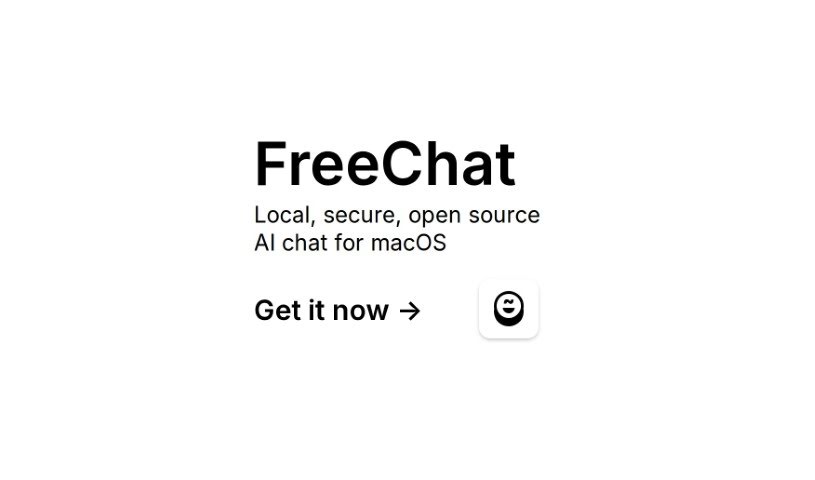
Screenshot of Freechat.run

Freechat.run

Discover Freechat.run, a secure, local AI chat app for macOS. Learn its features, how it works, and how to get started in 2025, comparing it to other chatbots.

Screenshot

What is Freechat.run?

FreeChat.run is a special AI chat application built just for macOS. It’s designed to run entirely on your computer, giving you a really secure and transparent way to chat with an AI. It is your private AI assistant. Because it uses AI technology, FreeChat makes talking to the bot feel natural and easy. It can help you out by answering questions, offering suggestions, or just having a good chat. The AI is trained to understand what you’re asking and give you back information that’s relevant to your conversation. What’s great is that FreeChat really cares about your privacy – it keeps all your conversations and data stored locally on your Mac, so nothing is sent off to some unknown server.

Who created Freechat.run?

This AI chat app for macOS, Freechat.run, first came out on October 25, 2023. It was created by someone who’s really focused on security, keeping your data private, and building things with the community. The whole idea behind the platform is to give users a chat experience that’s local, secure, and open-source. This means you can talk to the AI smoothly, and because it’s open-source, everyone can see how it works, helping to make it even better and more secure over time.

What is Freechat.run used for?

  • It can answer your questions.
  • It’s great for getting suggestions.
  • You can have natural conversations with it.

How to use Freechat.run?

Getting started with FreeChat, your local AI chat app for macOS, is pretty straightforward. Just follow these simple steps:

  1. Download the App: Head over to the App Store using the link we’ve provided. From there, you can download FreeChat right onto your Mac.
  2. Install It: Once the download is complete, just install the FreeChat application. Your Mac will guide you through the process with on-screen instructions.
  3. Open Up FreeChat: Find the app icon and launch FreeChat on your macOS device.
  4. Start Chatting: Now for the fun part! Begin interacting with the AI chatbot. Type in whatever you like – questions, thoughts, or messages. The AI is designed to understand and respond to a wide range of inputs.
  5. Explore the Features: Make sure to use the AI for what it’s good at! Get those questions answered, ask for suggestions, and enjoy natural conversations. It’s built to give you personalized and relevant information.
  6. Your Security and Privacy Matter: Remember, FreeChat puts a big emphasis on keeping your conversations private and your data safe. Everything is stored locally on your device, which is a big plus for privacy.
  7. It’s Open-Source: Being open-source means you can check out the code on GitHub. This transparency allows for community review and helps everyone contribute to making the app more secure and functional.
  8. Stay Updated: The FreeChat team is actively working on it, so you can expect regular updates. These updates help with ongoing development and fix any bugs, ensuring your experience stays smooth.

By following these steps, you’ll be able to get the most out of FreeChat, enjoying a local, secure, and open-source AI chat experience right on your Mac.

Related AI Tools

Discover more tools in similar categories that might interest you

Stay Updated with AI Tools

Get weekly updates on the latest AI tools, trends, and insights delivered to your inbox

Join 25,000+ AI enthusiasts. No spam, unsubscribe anytime.