20Paths
Productivity Documentation
Learn more
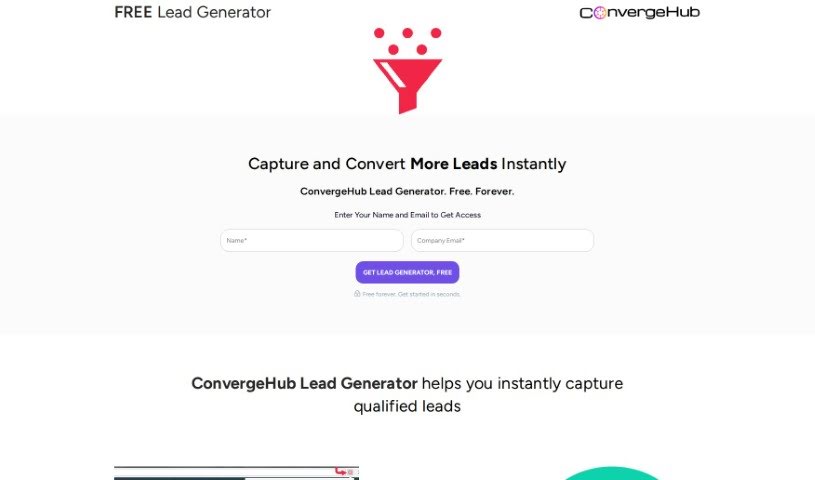
Discover what ConvergeHub is, a CRM platform for small and medium-sized businesses with team-based data management and access controls.
ConvergeHub is a CRM platform designed to help you manage your data securely. It lets you set up team structures and define rules for who can see what information within the system — similar to organizing your company into departments or project groups. Admins can create teams based on specific roles, which controls how information is shared across levels and makes assigning tasks within a team simpler.
From the main team listing page, you can search for existing teams, remove teams that are no longer needed, change how team details are displayed, and add new teams. ConvergeHub aims to be a comprehensive solution for small and medium-sized businesses, offering tools and strategies to improve business operations.
ConvergeHub was co-founded by Shampa Bagchi, who leads the company as CEO, and Manash Chaudhuri, who serves as CSO. Bagchi holds a Master’s degree in Computer Applications and focuses on using technology to solve business problems; she is a known figure in the small business world. Chaudhuri is a CRM enthusiast with a background in building customer-facing applications, focused on solutions for small and medium businesses. The company also benefits from the insights of Ted Finch, a marketing expert known for his success in the high-tech industry.
For more detailed guidance on all features and functions, see the user guide available on ConvergeHub’s official website.
Related
Discover more tools in similar categories
Weekly picks of the best AI tools we've researched and added — no spam, unsubscribe anytime.
Join 25,000+ AI enthusiasts. No spam, unsubscribe anytime.