04-X
Text Generation Chatbots
Learn More
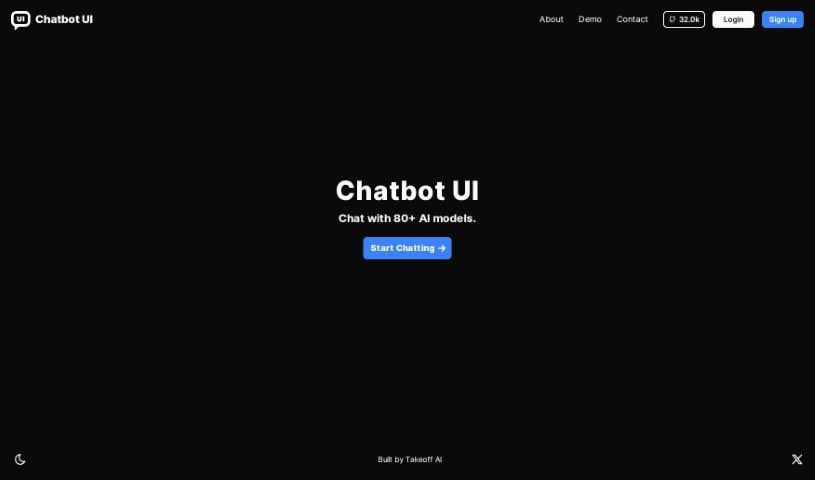
Discover what Chatbot UI is and learn how to use it effectively in 2025. We'll explore its features and see how it stacks up against other chatbot options.
Chatbot UI is your direct line to a whole bunch of AI models. It’s the place where you actually talk to them, making it super easy to have conversations with over 80 different AI models. Basically, it’s a platform designed to help you communicate effectively with these advanced AIs. Takeoff AI developed this particular Chatbot UI, and one of its neat features is that you can jump right into chatting as soon as you open it up.
McKay Wrigley is the person behind creating the Chatbot UI, and the company spearheading this project is Takeoff AI. You can often find McKay active on platforms like GitHub and Twitter, which are great places to catch updates and learn more about what’s happening with the project. What’s really cool about this Chatbot UI is that it gives you access to chat with more than 80 AI models, offering a really diverse and interactive way to explore AI.
Ready to dive in? Using the Chatbot UI tool is pretty straightforward. Here’s a quick rundown:
By following these simple steps, you’ll be able to navigate and make the most of the Chatbot UI tool, really tapping into the benefits its AI models have to offer.
Discover more tools in similar categories that might interest you
Get weekly updates on the latest AI tools, trends, and insights delivered to your inbox
Join 25,000+ AI enthusiasts. No spam, unsubscribe anytime.