008 Agent
Audio Transcription
Learn more
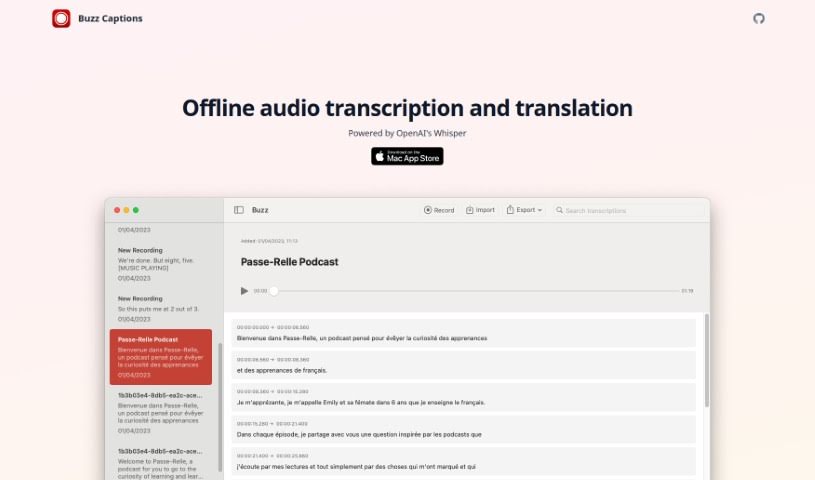
Buzz Captions transcribes and translates audio using OpenAI's Whisper, with file import/export, live transcription from your microphone, and support for.
Buzz Captions transcribes and translates audio using OpenAI’s Whisper. You can import audio and video files and export transcripts as CSV, SRT, TXT, or VTT, or use your computer’s microphone for live transcription and translation. It handles over 90 languages, including converting audio to English text and translating audio between languages.
The tool comes in two versions:
Because processing runs locally, live transcription performance depends on your computer’s resources, the language you select, and the size of the model being used.
Buzz Captions was created by Chidi Williams, whose company offers an offline service for transcribing and translating audio built on OpenAI’s Whisper technology.
Buzz Captions suits anyone who works with recorded or live audio:
The workflow is straightforward:
If you work across platforms or want the broadest model support, Buzz Classic is the option to start with; Mac users who prefer a native interface can use the macOS version instead.
Related
Discover more tools in similar categories
Weekly picks of the best AI tools we've researched and added — no spam, unsubscribe anytime.
Join 25,000+ AI enthusiasts. No spam, unsubscribe anytime.