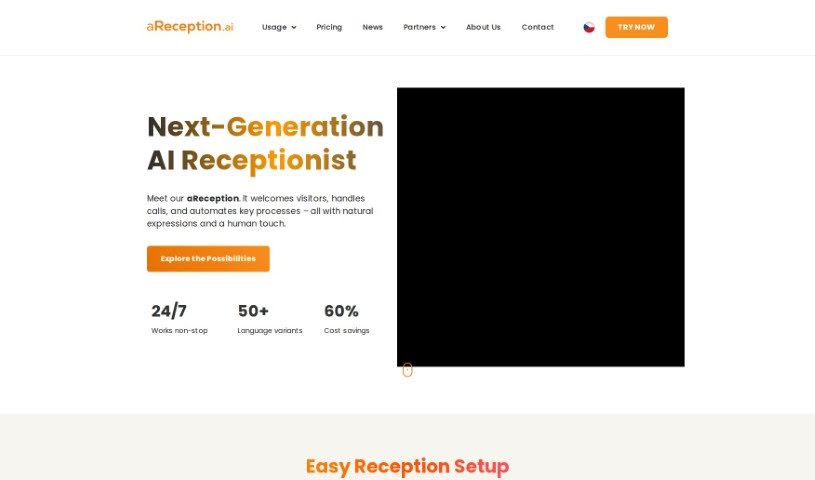
Screenshot of aReception

aReception

Discover what aReception is and learn how to use it effectively in 2025. We'll explore its features and see how it stacks up against other customer service tools.

Screenshot

What Exactly is aReception?

A reception area is essentially a dedicated space within a building where guests or customers are welcomed and helped. It is the very first point of contact for anyone walking into a business or public place. Usually, you’ll find a reception desk there, staffed by a receptionist or other team members. They’re the ones who greet visitors, offer information, guide people to the right person or department, and answer any questions. The way this area is designed and laid out really matters for making people feel welcome and creating a professional impression. Managing your reception area well is key to ensuring visitors have a smooth experience and that communication within your organization flows efficiently.

Who’s Behind aReception?

The person who founded aReception also co-founded and co-owned ARTIN. The whole idea behind aReception was to create a virtual reception system. They wanted to blend artificial intelligence with the tasks a physical receptionist handles, especially during those quieter moments when there aren’t many clients around. ARTIN introduced aReception, which they also call “Rona,” as their newest tech innovation back in 2020. This virtual AI receptionist and assistant actually started as a project developed internally at ARTIN.

How Can You Start Using aReception?

Getting aReception up and running is pretty straightforward. Here’s a quick rundown of how to use it:

  1. Everyday Use: aReception is designed to handle common situations smoothly. This includes things like when a visitor arrives for a meeting, when someone needs to call a colleague, when mail is received, or when basic information needs to be provided. Plus, you can easily add your own custom scenarios to fit specific needs.
  2. Keeping in Touch: The system has a telephone module that can directly call the colleague a visitor is looking for. If the situation is a bit more unusual or the person isn’t known, there’s also an option for a video call with a live operator available.
  3. Getting Set Up: Setting it up is simple. Just pick a good spot that has an electrical outlet and a reliable internet connection, and you’ll be good to go in no time.
  4. Where Can You Use It?: aReception is quite versatile and can be set up in all sorts of places. Think city halls, various offices, reception areas, museums, zoos, theaters, trade fairs, shopping centers, schools, airports, clinics, and hotels – it works in many different environments.
  5. The Process: To get started, you’ll choose a plan and then fill out an inquiry form. After we chat about the best solution for you, we’ll sign a contract, you’ll pay the invoice, and then you’ll receive your aReception device.

Following these steps should give you a clear path to using aReception effectively for all your communication and reception needs.

Related AI Tools

Discover more tools in similar categories that might interest you

Stay Updated with AI Tools

Get weekly updates on the latest AI tools, trends, and insights delivered to your inbox

Join 25,000+ AI enthusiasts. No spam, unsubscribe anytime.