What is AlphaChat?
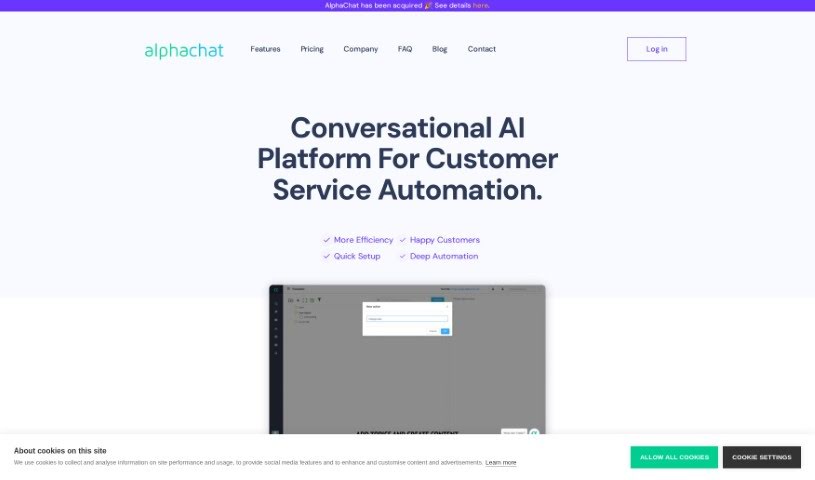
AlphaChat is a conversational AI platform built for automating customer service. It uses Natural Language Understanding (NLU) to figure out what users are asking and then provides personalized answers. It is a smart assistant that can handle frequently asked questions, automate responses, and even connect with your existing CRM systems. This helps create a much more personal experience for your customers. AlphaChat is always on, ready to help 24/7, and it can understand questions in many different languages. Key features include self-service options, the ability to detect what a user’s intent is, and customizable chat widgets that you can add to your website to make customer service more efficient.
Who created AlphaChat?
AlphaChat first launched on February 3, 2021. It was developed as a conversational AI platform specifically for customer service automation. The company behind it offers a variety of features, such as Natural Language Understanding, support for multiple languages, self-service capabilities, and integration with CRM systems. The main goal when AlphaChat was founded was to boost customer service efficiency. They aimed to do this by taking some of the load off human agents, automating common questions, and providing tailored responses that address each user’s specific needs.
What is AlphaChat used for?
AlphaChat is used for a variety of tasks to improve customer service:
- Always Available: It provides service 24/7.
- CRM Integration: It connects with your Customer Relationship Management systems.
- Multilingual Support: It can understand and respond in various languages.
- Customer Service Automation: It automates many customer service tasks.
- Boosting Efficiency: It helps improve overall efficiency.
- Reducing Agent Workload: It makes customer service agents’ jobs easier by handling common questions.
- AI-Powered FAQs: It uses an AI bot to manage frequently asked questions.
- Self-Service System: It allows customers to find answers themselves.
- Accurate Intent Detection: It detects user intent to ensure accurate responses.
- Backend Connectivity: It can connect to backend data.
- Custom Widget Triggers: It allows custom triggers for website chat widgets.
- Natural Language Understanding: It interprets user questions naturally.
- Accurate FAQ Responses: It handles FAQs and gives precise answers.
- Continuous Availability: It operates 24/7, ensuring constant service.
- Understanding User Queries: It uses intent detection to grasp what users are asking.
- Personalized Answers: It provides answers tailored to individual customer inquiries.
- Automating FAQ Handling: It reduces the workload for customer service agents by automating FAQs.
- Streamlined Operations: It integrates with existing CRM systems for smoother workflows.
- Secure Log-in: It uses standard user authentication for security.
- Enhanced Engagement: Custom widget triggers on websites help engage users.
- Advanced FAQ Handling: It offers sophisticated ways to manage FAQs.
- Enterprise-Grade Technology: It’s built with technology suitable for large businesses.
Who is AlphaChat for?
AlphaChat is a valuable tool for several roles within a business:
- Customer service agents
- Customer support representatives
- Sales representatives
- Technical support staff
- Help desk agents
How to use AlphaChat?
To get the most out of AlphaChat, here’s a simple guide:
- Log In: First, you’ll need to access your AlphaChat account. Just go to the online platform and log in with your username and password.
- Explore the Interface: Take a moment to get acquainted with how AlphaChat is laid out. You’ll typically find sections for managing chatrooms, adjusting user settings, and other important functions.
- Join a Chatroom: Ready to chat? Pick a chatroom from the list. You can browse different topics and communities to find ones that really interest you.
- Send Messages: Jump into the conversation! Type your messages in the chatroom to share your thoughts, ask questions, or join in on ongoing discussions.
- Use Emojis and Reactions: Want to add a bit more expression? Use emojis and reactions to show how you feel or to agree with what someone else has said.
- Direct Messaging: If you want to have a private chat with someone specific, the direct messaging feature lets you start a one-on-one conversation.
- Customize Your Settings: Make AlphaChat your own by personalizing your profile. You can change your profile picture, add a bio, and set your notification preferences.
- Report Issues: If you see any behavior or content that isn’t appropriate, use the reporting features. This will alert the moderators so they can take the necessary action.
- Discover More Features: Don’t stop there! Explore other features AlphaChat might offer, like sharing files, using voice chat, or anything else that catches your eye.
- Follow the Rules: Finally, always remember to stick to the community guidelines. This helps keep the environment positive and respectful for everyone.
By following these steps, you can use AlphaChat effectively to connect with others, have great conversations, and really make the most of your chat experience.