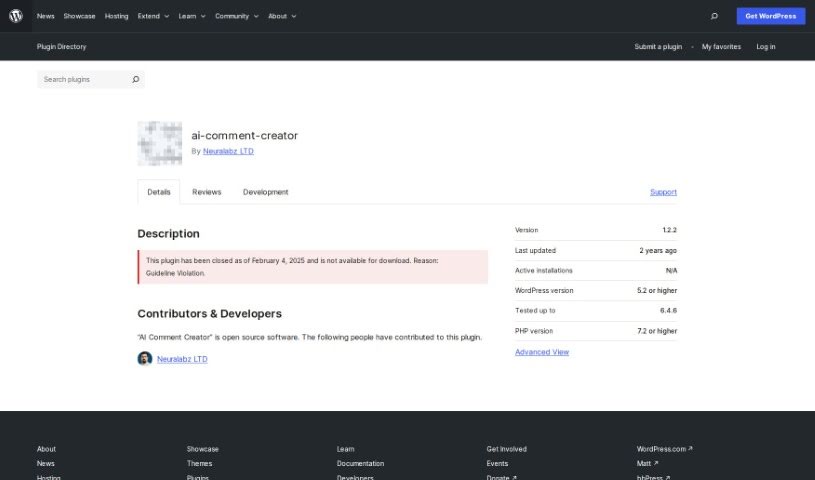
Screenshot of Wordpress AI Comment Creator

Wordpress AI Comment Creator

Discover what the WordPress AI Comment Creator is and how to use it effectively in 2025. We'll cover its features and how it stacks up against other blogging tools.

Screenshot

What is WordPress AI Comment Creator?

The “AI Comment Creator” is a handy WordPress plugin that uses GPT-3 technology to whip up unique, SEO-friendly comments for your WordPress posts. The goal here is to boost engagement and improve the overall quality of content on your site. It works by connecting to a couple of APIs, including OpenAI, to generate comments that sound like a real person wrote them. You get to see a preview of the comments and can tweak them before they go live on your website. Plus, it’s packed with features like customizable options, adjustable prompts, comment scheduling, language choices, and even the ability to add avatars to comments.

Who created WordPress AI Comment Creator?

Berkbitkan developed the AI Comment Creator plugin. It first came out on March 7, 2023. As a WordPress plugin, it uses GPT-3 technology to create unique, SEO-friendly comments for your posts. You can use it for free, and it connects with third-party APIs like RandomUser.me and AIContentGenerator. You can edit the comments it generates, schedule them, pick categories and languages, and even add avatar images to them.

What is WordPress AI Comment Creator used for?

  • Creating comments that are good for SEO.
  • Previewing and editing comments before posting.
  • Adding user avatars to comments.
  • Choosing the language for comments.
  • Setting the maximum number of tokens for comments.
  • Allowing category settings for comments.
  • Automatically generating creative comments.
  • Adjusting the prompts used for comment generation.
  • Scheduling comment generation for specific times.
  • Selecting the language for comments.

Who is WordPress AI Comment Creator for?

  • People who create content.
  • Website Managers.
  • Digital marketers.
  • Website administrators.
  • Bloggers.
  • SEO specialists.

How to use WordPress AI Comment Creator?

Here’s how to get started with the AI Comment Creator WordPress plugin:

  1. First, download the plugin. You can get it from the WordPress repository or directly through your WordPress dashboard.
  2. Once you’re in your WordPress dashboard, head over to the “Plugins” section and click “Add New.”
  3. Then, click “Upload Plugin.” You’ll need to select the plugin zip file you downloaded.
  4. Hit “Install Now,” and after that, click “Activate.”
  5. Now, go to the plugin’s settings page. Here you can adjust all the options to fit what you need.
  6. If you want to use OpenAI, just go to General Settings and enter your API Key. If you’d rather use the AIContentGenerator API, head over to the Buy Credits page to purchase them.

This plugin uses GPT-3 technology and connects to two main APIs: RandomUser.me for user details and AIContentGenerator for creating the comments. You can preview, edit, and schedule your comments, plus set categories, maximum tokens, language, and prompts. It’s designed to generate SEO-friendly, creative comments. While the plugin itself is free, you will need credits if you use the AIContentGenerator API. You can schedule when comments are generated, pick the languages you want, preview them, tweak the prompts, and make sure avatars are used with the comments.

Related AI Tools

Discover more tools in similar categories that might interest you

Stay Updated with AI Tools

Get weekly updates on the latest AI tools, trends, and insights delivered to your inbox

Join 25,000+ AI enthusiasts. No spam, unsubscribe anytime.