777ccc.com
Education Summarizers
Learn more
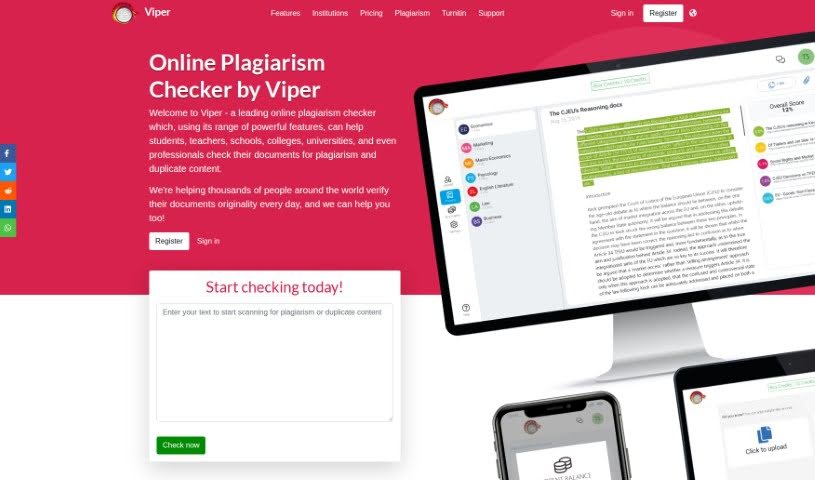
Discover what Viper Plagiarism Checker is, how its pay-as-you-go credit system works, and how it scans documents against over 10 billion sources.
Viper Plagiarism Checker is an online tool that runs in your web browser. It began as Windows software but moved to an online platform in 2017, which improved its scanning speed and accuracy.
You upload a document and Viper checks it against a database of over 10 billion sources, including essays, academic journals, and online content. It then produces a clear report showing exactly where matching text was found.
Viper works on a pay-as-you-go credit system, so there are no subscriptions. Free scan options are also available. Students and institutions use it as a cost-effective way to verify the originality of submitted work.
Viper is run by All Answers Ltd. The founder’s name isn’t specified, but the tool’s history is well documented: it started as Windows software and transitioned to an online app in 2017, improving its plagiarism matching and scanning speed. It has since become a popular choice for students and institutions seeking an affordable originality check.
Related
Discover more tools in similar categories
Weekly picks of the best AI tools we've researched and added — no spam, unsubscribe anytime.
Join 25,000+ AI enthusiasts. No spam, unsubscribe anytime.