008 Agent
Audio Transcription
Learn more
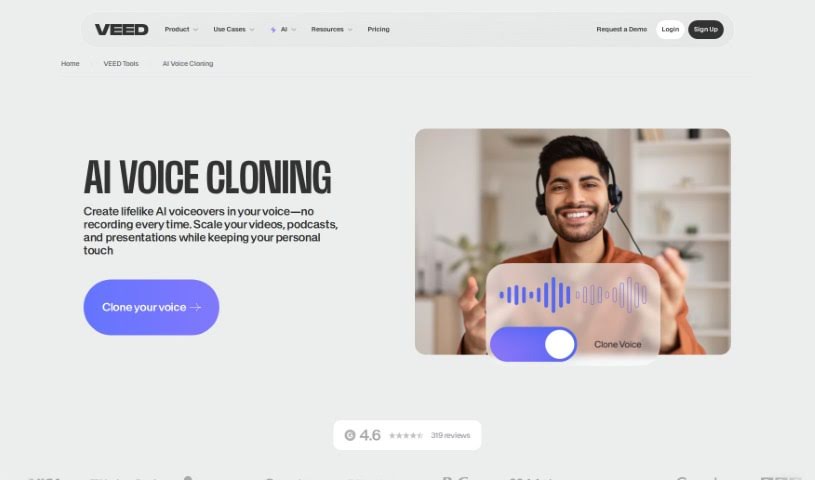
Discover what VEED AI Voice Cloning is and how it creates lifelike voice clones for voiceovers and video projects.
VEED AI Voice Cloning lets you copy your own voice using artificial intelligence. You record your voice once to create a unique voice profile, which then works with text-to-speech software to generate voiceovers. The technology is designed to mimic your voice closely, and VEED provides simple ways to adjust it for different projects, making content creation smoother.
VEED is the company behind the tool. It offers AI voice replication aimed at making lifelike voice clones simple to create, and is intended for content creators, business users, and anyone who wants to add a personal touch to their communications.
Record your voice sample: Go to “Text-to-Speech” in the Audio tab, select “Voice Clone,” and hit record. A script appears on screen — read it aloud, including the Terms of Service agreement as you go.
Clone your voice and convert text to speech: Save your personalized AI voice sample, type the text you want spoken, and choose your saved profile from the “Voice Clone” option. The AI then reads your text in your cloned voice.
Add the voiceover to your project: Use the replicated voice when making a video. You can export the audio file with your AI-generated voice, or continue with VEED’s other AI video tools to create more content.
With these steps, you can create voiceovers for a range of projects and communications using your own cloned voice.
Related
Discover more tools in similar categories
Weekly picks of the best AI tools we've researched and added — no spam, unsubscribe anytime.
Join 25,000+ AI enthusiasts. No spam, unsubscribe anytime.