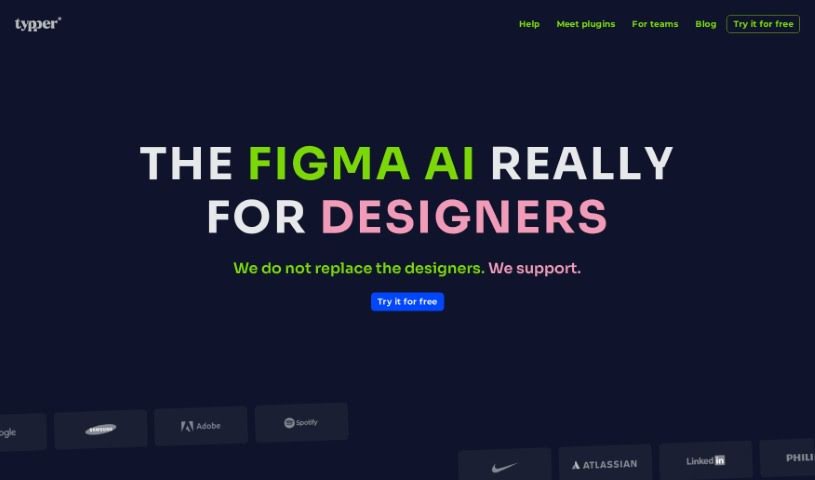
What is Typper?
Typper is an AI tool built to help designers work more efficiently on their projects. It uses GPT-based AI to offer suggestions as you design, create content like text, images, and icons when you ask, and even help you brainstorm new ideas for designs, layouts, and text. Essentially, Typper aims to make the design process smoother, save you time, and boost your productivity with its AI features.
Who created Typper?
Typper was developed by a forward-thinking individual or team, though the founder’s name isn’t publicly shared. It launched on June 27, 2024, with the goal of helping designers improve their projects using AI. Typper is a helpful partner that gives you suggestions in real-time, generates content like text, images, and icons on command, and generally supports your design work. The company behind Typper is focused on making design more accessible, improving layouts, cutting down on manual work, and offering a variety of design choices along with chat-based GPT assistance.
What is Typper used for?
- Creating Content: It can generate various types of content.
- Simplifying Design: It makes the whole design process much smoother.
- Project Optimization: Helps make your projects work better.
- Improving Interfaces: Enhances the look and feel of user interfaces.
- Boosting Accessibility & Layout: Makes designs easier to use and better organized.
- On-Demand Creation: Generates content whenever you need it.
- Active Workflow Support: It actively contributes to your day-to-day work.
- Overcoming Challenges: Helps you tackle design problems.
- Saving Time: Significantly cuts down the time spent on design tasks.
- Reducing Manual Work: Lessens the need for you to create everything from scratch.
- Design Variety: Offers a wide range of design options to choose from.
- Chat GPT Assistance: Provides help through a conversational AI interface.
- Boosting Productivity & Creativity: Helps you get more done and think of new ideas.
- Early Access: Gives you a chance to try out new features first.
- First-Time Experiences: Offers opportunities to explore new AI capabilities.
Who is Typper for?
- Designers
- Creators
- Artists
- Art Directors
- UI/UX Designers
- Interface Designers
- Anyone in a creative field
How to use Typper?
Here’s a simple guide to getting the most out of Typper:
- Visit Typper’s Website: Head over to Typper’s site and sign up for early access. It’s a great way to start exploring this AI design tool.
- Explore AI Capabilities: Take some time to get familiar with what Typper’s AI can do. It’s designed to generate texts, images, and icons just by you describing what you need.
- Receive Real-Time Suggestions: Pay attention to the suggestions Typper offers as you work. These real-time tips can really help improve your interface design, accessibility, and overall layouts.
- Generate Content Efficiently: Use Typper to create texts, images, and icons in batches. This really simplifies content creation and saves a lot of time.
- Brainstorm Design Ideas: Let Typper’s AI platform be your brainstorming partner. It can help you come up with fresh design concepts, layout ideas, and text options, sparking creativity in your projects.
- Optimize Your Workflow: Let Typper actively help your design process. It can suggest improvements, provide content when you ask, and assist in generating new ideas.
- Enhance Productivity: Boost your productivity by letting Typper handle tasks like content creation, giving you active AI suggestions, and saving you valuable time.
- Connect on Social Media: Stay in the loop by following Typper on platforms like LinkedIn, Instagram, and Twitter. You’ll get updates and support there.
By following these steps, you can really make the most of Typper’s AI features. It’s a fantastic way to streamline your design process, get more creative, and make your workflow much more efficient.