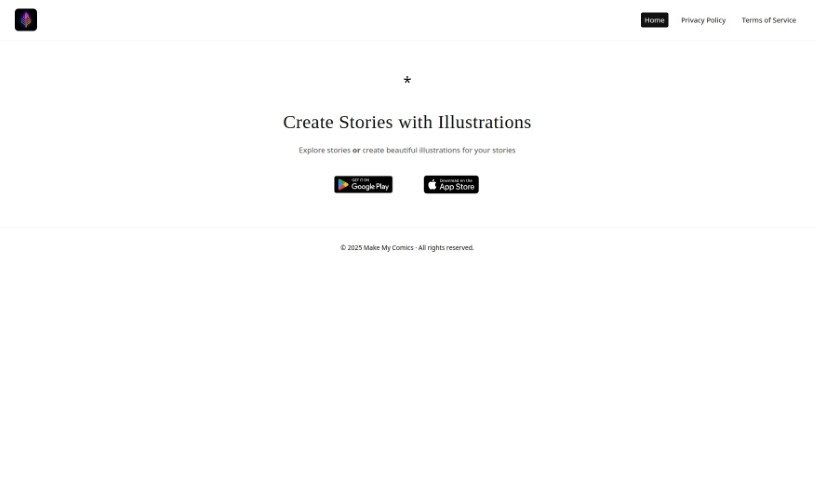
Screenshot of Story Illustrator AI

Story Illustrator AI

Discover what Story Illustrator AI is and how to use it effectively in 2025. We'll explore its features and see how it stacks up against other Image Generators.

Screenshot

What is Story Illustrator AI?

Story Illustrator AI is a really neat tool that lets you dive into stories or create gorgeous illustrations for them. It is a creative playground where you can tell your tales and then dress them up with eye-catching graphics. The whole idea behind Story Illustrator AI is to make it super easy and fun for anyone to craft visual elements that really make their written words pop. You can grab this tool from both Google Play and the App Store, so it’s readily available no matter what device you’re using.

Who created Story Illustrator AI?

UV Apps is the company behind Story Illustrator AI. They’re the ones who developed the platform for creating stories with illustrations. From what I can gather, there isn’t much specific detail out there about the founder of UV Apps or Story Illustrator AI itself.

Who is Story Illustrator AI for?

  • Writers
  • Illustrators
  • Educators
  • Marketers
  • Content creators
  • Authors
  • Graphic designers
  • Storytellers
  • Publishers
  • Game developers

How to use Story Illustrator AI?

Ready to get started with Story Illustrator AI? It’s pretty straightforward:

  1. First, head over to the official Story Illustrator website to access the tool.
  2. You can either explore stories that others have already created or jump right in and make some beautiful illustrations for your own stories.
  3. If you prefer using an app, you can download Story Illustrator from Google Play or the App Store. This makes it super convenient to use on your phone or tablet.
  4. Once the app is downloaded and installed, just open it up on your device.
  5. Take a moment to get familiar with the interface and all the cool drawing and editing tools available for making illustrations.
  6. When you’re ready to create, just select the option to start a new story or illustration project.
  7. Now for the fun part! Use the various drawing and editing tools to really bring your story to life visually.
  8. Don’t be afraid to play around with different styles, colors, and effects to make your illustrations even better.
  9. Remember to save your work as you go – it’s always a good idea to make sure you don’t lose any progress!
  10. When you’re happy with your story or illustration, you can export it in whatever format you need, or even share it directly from the app.

Following these steps should help you make the most of Story Illustrator AI for creating engaging stories and illustrations.

Related AI Tools

Discover more tools in similar categories that might interest you

123RF AI Image Generator

Creative Image Generation
Learn More

Stay Updated with AI Tools

Get weekly updates on the latest AI tools, trends, and insights delivered to your inbox

Join 25,000+ AI enthusiasts. No spam, unsubscribe anytime.