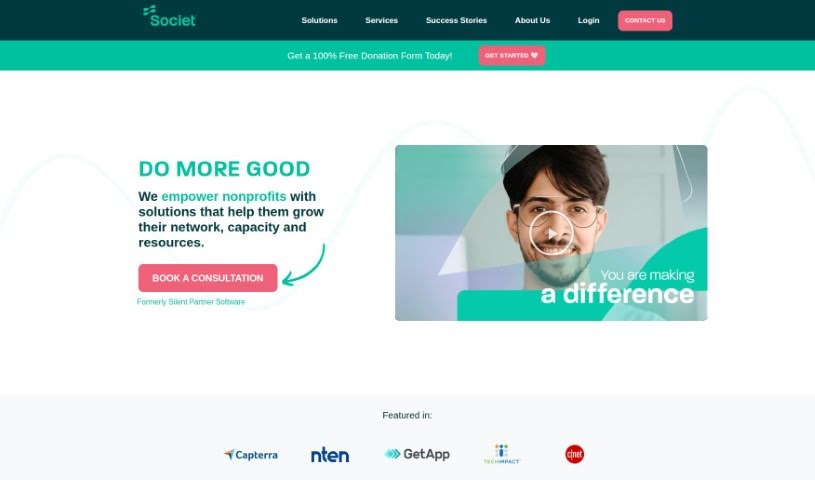
What is Societ?
Societ is a well-respected nonprofit solutions partner that many executive directors, board members, and fundraising professionals turn to for help boosting their efficiency. With 30 years of experience under its belt, Societ takes a data-first approach. They use their deep knowledge of the nonprofit sector to offer software and marketing solutions that are really important for helping nonprofits and charities grow. Societ operates from headquarters across Canada and supports nonprofits and charities in more than 40 countries. The team there sees themselves as lifelong learners, always working to improve and adapt. They aim to be trusted guides who truly understand the nonprofit world, guiding organizations toward success.
Who created Societ?
Societ was launched on April 16, 2024. The company was founded by Societ Nonprofit Solutions, a group that focuses on providing efficiency-boosting solutions and tools specifically for nonprofit organizations. Societ is a leading partner that offers end-to-end solutions for nonprofits, supporting them and charities around the globe with software and marketing tools. These tools help them expand their networks, increase their capacity, and grow their resources.
What is Societ used for?
Societ can help you with several key areas:
- Grow Your Donors & Fundraising: Attract more supporters and improve your fundraising efforts.
- Better Manage Clients & Services: Organize and manage your client interactions and the services you provide more effectively.
- Get a Beautiful Nonprofit Website: Create a professional and appealing website for your organization.
- Grow Your Membership Program: Expand your membership base and engagement.
- Spend Less Time on Board Administration: Simplify and speed up the administrative tasks related to your board.
- Raise More Through Direct Mail Campaigns: Make your direct mail fundraising more successful.
- Streamline Donation Management: Make the process of managing donations smoother and more efficient.
Who is Societ for?
Societ is designed for a wide range of people working in the nonprofit and charity sector, including:
- Executive directors
- Board members
- Fundraising Professionals
- Nonprofit Managers
- Charity administrators
- Development directors
- Grant writers
- Volunteer coordinators
- Communications Specialists
- Program Directors
How to use Societ?
To get the most out of Societ, here’s a simple, step-by-step guide:
- Sign Up or Log In: First things first, you’ll need to create an account if you don’t have one, or simply log in to your existing Societ account.
- Explore Features: Take some time to look around and get familiar with all the different features Societ offers. This includes things like creating, editing, and sharing documents easily.
- Create a Document: When you’re ready to start a new project, just click the “Create Document” button. You can pick from various templates or start completely from scratch.
- Edit Content: Use the editing tools provided to make the document your own. You can easily add text, insert images, create tables, and even add graphs to make your work more engaging and informative.
- Collaborate with Others: Societ makes teamwork simple. You can invite others to work on the document with you, and it supports real-time collaboration, so everyone is always on the same page.
- Organize Your Content: Keep your work clear and structured by arranging your content logically. Use headings, subheadings, and bullet points to make it easy to follow.
- Review and Edit: Before you finish, it’s always a good idea to proofread your document carefully for any mistakes or things that don’t quite fit. Edit as needed to make sure everything is just right.
- Save and Share: Once you’re happy with how the document looks, save it within Societ. Then, you can share it with others by sending a link or inviting specific people directly.
- Get Feedback and Make Revisions: Share your document with collaborators or reviewers to get their thoughts. Then, make any necessary revisions based on the suggestions you receive.
- Finalize and Export: When your document is complete and ready to go, finalize it for sharing. Societ lets you export your work in different formats, like PDF or Word, so it’s easy to distribute.
By following these steps, you’ll find that using Societ to create, collaborate on, and share documents is a smooth and efficient process.