777ccc.com
Education Summarizers
Learn more
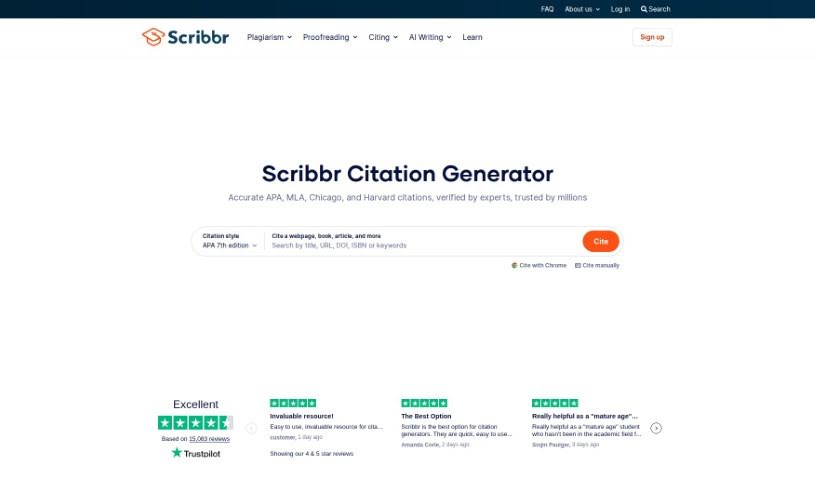
Discover what the Scribbr Citation Generator is and how it creates accurate citations in APA, MLA, Chicago, and Harvard styles.
Scribbr Citation Generator creates citations in popular styles including APA, MLA, Chicago, and Harvard. Enter basic source information — a title, URL, ISBN, or DOI — and it automatically fills in the details needed for both your reference list and in-text citations.
You can create separate reference lists for different assignments, group related lists into folders, and export your work to Word or Bib(La)TeX formats. Exports to Word include the official formatting guidelines already applied, and you can customize the font of your reference list to match your document. If you use a LaTeX editor like Overleaf, you can export references in Bib(La)TeX format with one click.
Scribbr also offers related tools for academic writing, including an AI Proofreader, Plagiarism Checker, Grammar Checker, and Paraphrasing Tool.
The generator was created by Bas Swaen, founder and CEO of Scribbr, a company that builds tools and resources for academic writers. The team refined the algorithms behind the generator, producing reliable citations that have made the tool a common recommendation among teachers and universities worldwide. Scribbr’s services are free of distracting ads.
The tool is useful for anyone who needs to cite sources:
The experience is distraction-free, with no ads, so you can focus on generating precise citations.
Related
Discover more tools in similar categories
Weekly picks of the best AI tools we've researched and added — no spam, unsubscribe anytime.
Join 25,000+ AI enthusiasts. No spam, unsubscribe anytime.