008 Agent
Audio Transcription
Learn more
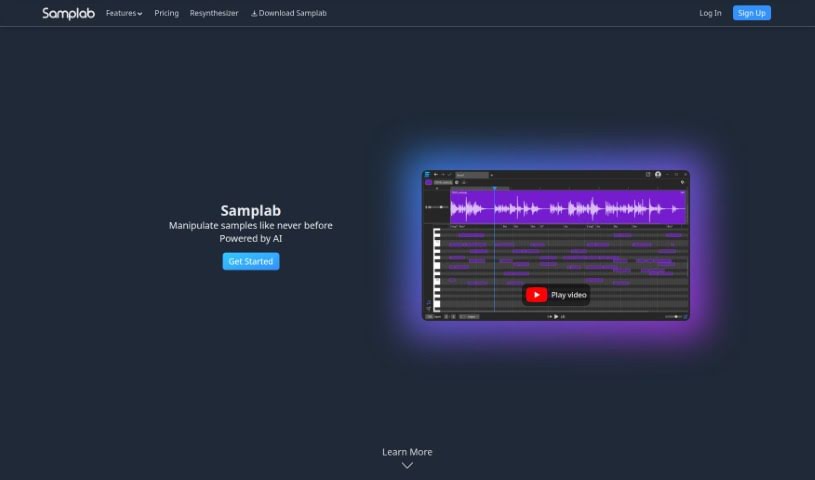
Discover Samplab, an AI audio tool for note editing, chord detection, stem separation, and audio-to-MIDI conversion. Learn how it fits into your music
Samplab is an AI-powered audio tool designed to help musicians rather than replace them. Founded in Zurich, Switzerland, in 2020, it focuses on making sample editing simpler and more powerful. Its core features include:
Samplab also lets you adjust sample tempo and key so different sounds fit together harmoniously. It works as a plugin (VST3 & AU) or a standalone desktop app, integrating with DAWs like Ableton Live and FL Studio.
Samplab offers a free companion tool called TextToSample, which uses generative AI to turn text prompts into custom audio samples. It runs offline and integrates via VST3. It includes the same core features: note editing, chord detection, stem separation, and audio to MIDI conversion. You can generate samples from either text input or audio files.
Manuel and Gian-Marco founded Samplab in Zurich, Switzerland, in 2020. Their goal was to build AI tools that help musicians be more creative and work more efficiently, with a focus on sample manipulation and audio editing.
Related
Discover more tools in similar categories
Weekly picks of the best AI tools we've researched and added — no spam, unsubscribe anytime.
Join 25,000+ AI enthusiasts. No spam, unsubscribe anytime.