04-X
Text Generation Chatbots
Learn more
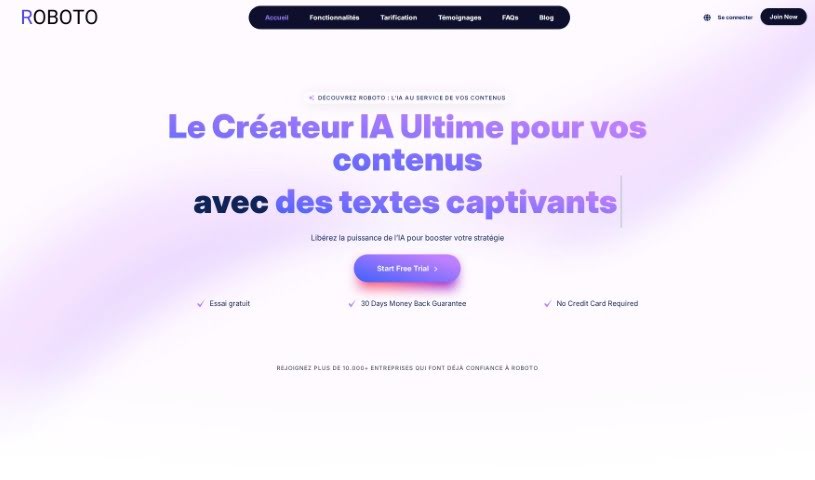
Discover what Roboto is, its AI features for text, image, and voice content, and who it's built for.
Roboto is an AI-powered content creation platform for entrepreneurs, marketers, writers, and anyone who needs quality content. Founded by computer engineer and entrepreneur Ngatse Obala Jacques, the platform uses AI technology to generate text, images, and voice content. Features include an SEO article generator, a content enhancer, an image generator, an ad creator, voice synthesis, chatbots, speech-to-text transcription, code generation, and analytics. Roboto offers over 70 templates to save time and improve writing.
Ngatse Obala Jacques, a computer engineer and solo entrepreneur based in Paris, created Roboto. He combined his technical skills with AI capabilities from OpenAI during the COVID pandemic, with the goal of making artificial intelligence more accessible and boosting productivity and content quality for entrepreneurs and content creators.
To get started, sign up for a subscription plan on their website. They offer different tiers with varying features and prices.
Additional features include Two-Factor Authentication for account security, exporting text results to PDF or Word, and support for over 25 languages.
For details and pricing, visit the official website at https://www.roboto.fr/.
This guide was put together using information from the Roboto user guide.
Related
Discover more tools in similar categories
Weekly picks of the best AI tools we've researched and added — no spam, unsubscribe anytime.
Join 25,000+ AI enthusiasts. No spam, unsubscribe anytime.