1Flow
Sales & Marketing Digital Marketing
Learn more
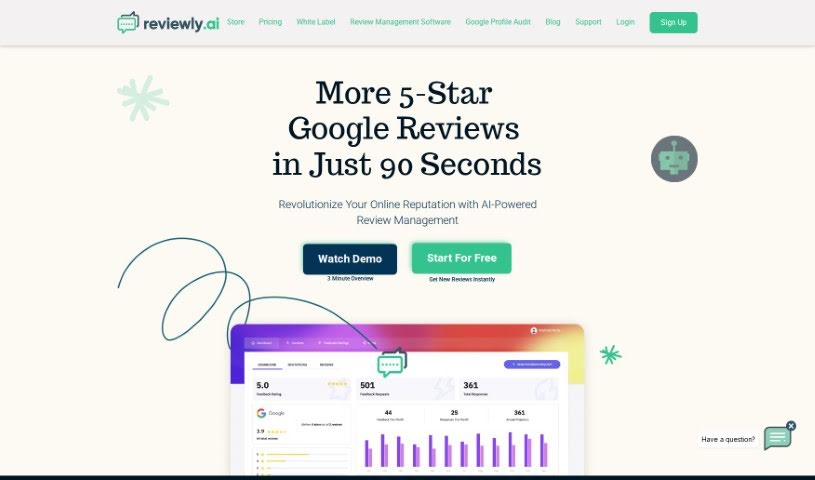
Discover what Reviewly is and how it helps businesses collect and respond to Google reviews with AI-generated drafts and SMS automation.
Reviewly is a tool that helps businesses collect and respond to Google reviews. It uses AI to generate personalized review options and responses, and gathers feedback through SMS invitations and automated systems. Features include AI-generated review drafts, custom responses tailored to your business, and real-time monitoring of your Google reputation. It is built for businesses of all sizes, from small local shops to large corporations, with the goal of improving online reputation and search engine rankings. Pricing plans vary based on the number of feedback requests you send, and a free trial is available before subscribing.
Reviewly was founded on the idea that AI could help businesses manage their reviews. The company supports businesses of all sizes by helping them build their online reputation with AI-crafted review options and personalized customer replies. For agencies and businesses with multiple locations, it provides white label options for custom branding and easier management.
Getting started: Connect your Google Business Profile and set up your feedback preferences — a process that takes about 3 clicks. Then add your customers so you can start sending review requests.
Collecting reviews: Launch automated SMS review collection; SMS messages have a high open rate of around 98%. Use AI-generated drafts to create personalized responses quickly, saving time on replies.
Managing your reputation: Monitor new Google reviews in real time, respond with AI-assisted drafts tailored to your business, and track your overall rating as feedback comes in.
Reviewly is a practical option for businesses that want to systematize review collection and response without handling every message manually.
Related
Discover more tools in similar categories
Weekly picks of the best AI tools we've researched and added — no spam, unsubscribe anytime.
Join 25,000+ AI enthusiasts. No spam, unsubscribe anytime.