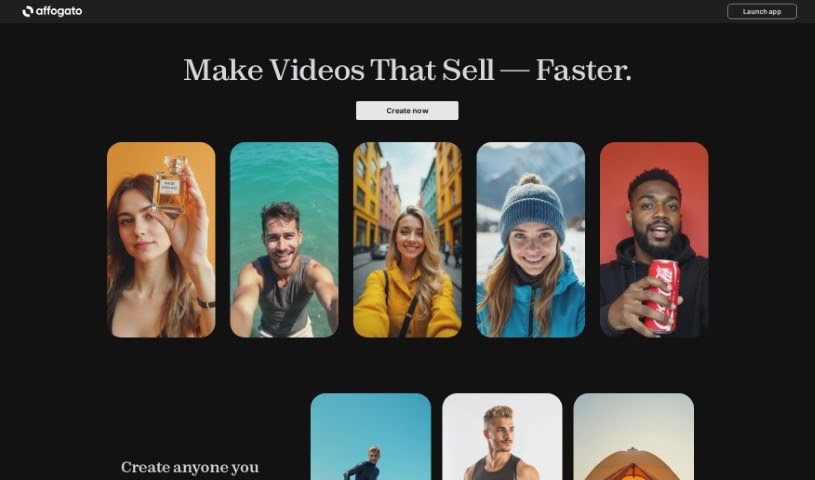
Screenshot of RenderNet AI

RenderNet AI

Discover RenderNet AI in 2025! Learn what this powerful AI image generator is, how to use its features effectively, and how it stacks up against other avatar makers.

Screenshot

What is RenderNet AI?

RenderNet AI is a really solid AI image generator built for creative folks. It lets you create high-quality images using more than 100 different Stable Diffusion text-to-image models. What’s neat about RenderNet is that you can take one prompt and run it across many models and LoRAs at once, playing with different settings to get a whole variety of images. People say the interface feels smooth and easy to use, so it’s pretty straightforward to get around and make the most of the platform. Some of the standout features include how quickly it generates images and that you can work on several images at the same time, each with its own models and LoRAs.

Who created RenderNet AI?

RenderNet AI was actually developed by a single person, O Everart. His company focuses on offering a powerful AI image generator specifically for creatives. This platform allows users to generate high-quality images by using over 100 Stable Diffusion text-to-image models. It’s designed so you can easily run a single prompt across multiple models and LoRAs, adjusting various settings to create your desired images.

What is RenderNet AI used for?

  • Generating images quickly
  • Working on multiple images simultaneously with different models and LoRAs

Who is RenderNet AI for?

  • Graphic Designers
  • Illustrators
  • Digital Artists
  • Game Developers
  • Advertising Specialists
  • Marketing Professionals
  • Content Creators
  • Architects
  • Fashion Designers
  • Photographers

How to use RenderNet AI?

Ready to dive into RenderNet AI? Here’s a simple, step-by-step guide:

  1. Head over to RenderNet AI: First things first, just open up the RenderNet AI platform in your web browser. It’s that easy to get started.
  2. Log in or Sign Up: If you’ve used it before, just log in with your usual details. If you’re new, signing up for an account is quick and simple.
  3. Upload Your Images: Once you’re logged in, you can upload the images you want to work with. Just make sure they’re in a format the platform supports.
  4. Pick Your Style: Now, choose the look you’re going for. RenderNet AI offers a bunch of different artistic styles to help you transform your images in creative ways.
  5. Tweak the Settings: Depending on exactly what you want, you can adjust things like color saturation, contrast, or other settings the tool provides. It’s all about getting that perfect output.
  6. Start the Magic: When you’re happy with your chosen style and settings, just hit the button to start the rendering process. This is where the AI algorithms get to work creating your artistic image.
  7. See and Save: Once the rendering is done, take a look at your transformed images. If you love them, you can download them right to your computer.
  8. Keep or Share: Save your new artistic creations wherever you like. You can also share them directly from the platform on social media or with friends.

Following these steps should make it super easy to use RenderNet AI and create some really stunning artistic versions of your images.

Related AI Tools

Discover more tools in similar categories that might interest you

123RF AI Image Generator

Creative Image Generation
Learn More

Stay Updated with AI Tools

Get weekly updates on the latest AI tools, trends, and insights delivered to your inbox

Join 25,000+ AI enthusiasts. No spam, unsubscribe anytime.