04-X
Text Generation Chatbots
Learn more
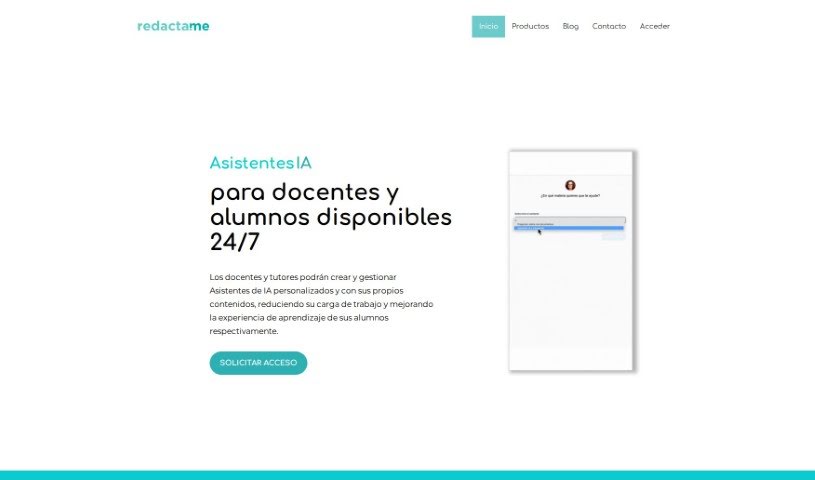
Discover what Redacta.me is, its content creation and redaction features, and who it serves.
Redacta.me is a platform designed to help you create content that feels human-written and is free of plagiarism, while avoiding phrases typical of AI-generated text. More details are available on the official website.
Maria Teresa Hoffmann founded Redacta.me. Based in Santiago, Chile, the company specializes in language editing and proofreading, serving academic, corporate, and individual clients. Its goal is to improve the clarity and flow of written texts.
Redacta.me covers two broad areas:
Content creation
Data redaction and privacy
The tool targets a range of professionals, including:
Visit the Redacta.me website and use its keyboard shortcuts for efficient navigation:
Ctrl + D — bookmark the siteCtrl + ↑ / Ctrl + ↓ — jump to the top or bottom of the pageCtrl + ← / Ctrl + → — sort entries chronologically or alphabeticallyEnter — open a selected entry in a new tab; Shift + Enter opens it while keeping the current tabShift + ↑ / Shift + ↓ — expand or collapse lists/ — focus the search bar; Esc — exit search focusA-Z — jump to a specific letter when sorting alphabetically+ — submit a new entry? — toggle the help menuRelated
Discover more tools in similar categories
Weekly picks of the best AI tools we've researched and added — no spam, unsubscribe anytime.
Join 25,000+ AI enthusiasts. No spam, unsubscribe anytime.