777ccc.com
Education Summarizers
Learn more
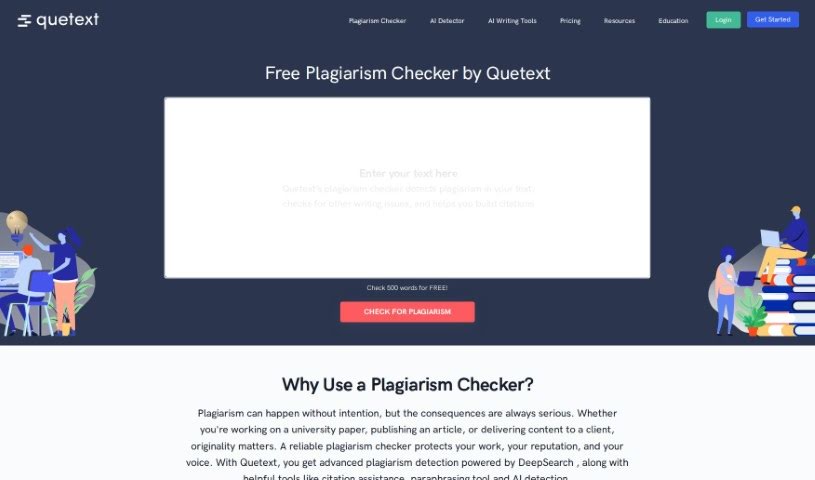
Discover what Quetext is and how it helps educators, students, and writers check text for plagiarism and generate citations.
Quetext is a plagiarism checker designed primarily for educators who need to check and grade student papers for originality. It automates the process of verifying student writing, letting teachers focus on the quality of the work rather than hunting for plagiarism. It works for both K-12 and higher education.
Students can use Quetext to check their writing before submission, spot potential sources, and take advantage of a built-in citation generator. Beyond academia, copywriters use it to ensure their content is original and avoid copyright issues.
Quetext was founded by a team focused on educational technology. The company, Quetext Inc., builds tools to help students, teachers, and content creators keep their work original and maintain academic integrity.
Under the hood, Quetext uses DeepSearch™ Technology, which combines Contextual Analysis, Fuzzy Matching, and Conditional Scoring to detect plagiarized content. The tool also flags other writing issues and helps you build citations.
Quetext offers a free trial so you can test its features before committing. Subscriptions unlock additional capabilities, including a more advanced citation generator, the ability to pause your subscription, and other premium tools. Subscription options are listed on Quetext’s website, and subscribers can log in to access saved work and settings.
Related
Discover more tools in similar categories
Weekly picks of the best AI tools we've researched and added — no spam, unsubscribe anytime.
Join 25,000+ AI enthusiasts. No spam, unsubscribe anytime.