123RF AI Image Generator
Creative Image Generation
Learn More
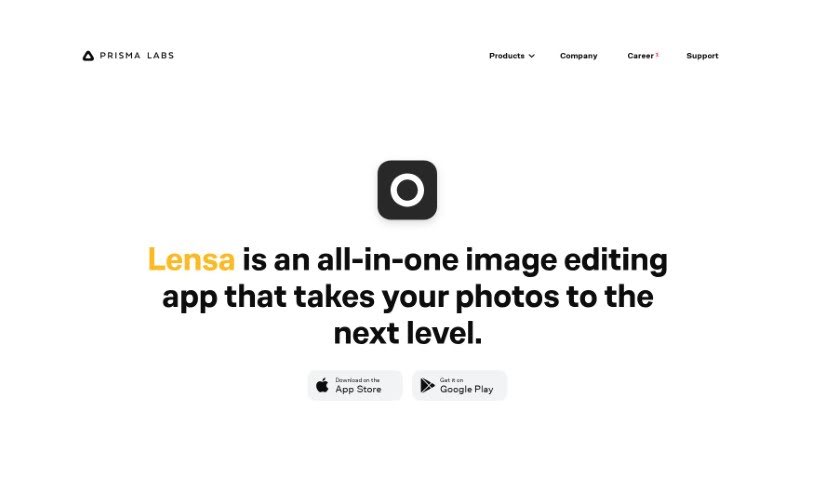
Discover what Prisma Labs Lensa AI is and how to use it effectively in 2025. We'll explore its features and see how it stacks up against other photo editors.
Lensa AI is a really versatile app for editing photos, and it’s known for helping you take your pictures to the next level. It’s packed with features designed to make your photos look their best. You can improve facial retouching with something called ‘Magic Correction,’ or really perfect any little facial imperfections using a range of handy tools. Need to change or blur out a background? Lensa makes that super easy. Plus, you can fine-tune both the main subject and the background separately to get everything just right. It also lets you apply all sorts of unique filters and special effects, and even add borders to give your photos that extra something. Basically, Lensa AI gives you dynamic editing tools right in the app, making it simple to seriously up your photo editing game.
Prisma Labs, Inc. is the company behind Lensa AI. It was founded back in 2016 by Alexey Moiseenkov, Ilya Frolov, and Andrey Usoltsev. Lensa itself is an all-in-one image editing app developed by this team, and it’s famous for features like its ‘Magic Correction’ for facial retouching.
Ready to dive into photo editing with Lensa AI? Here’s a simple guide:
By following these steps, you can really start to use Lensa AI to improve your photo editing skills and create some truly stunning visuals without much fuss.
Discover more tools in similar categories that might interest you
Get weekly updates on the latest AI tools, trends, and insights delivered to your inbox
Join 25,000+ AI enthusiasts. No spam, unsubscribe anytime.