Photoleap AI Avatar Generator: What It Is & How to Use It
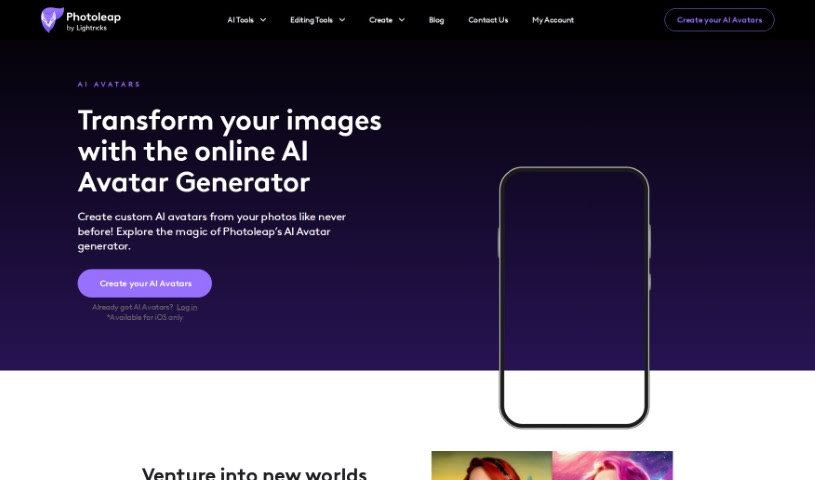
Screenshot of Photoleap AI Avatar Generator

Photoleap AI Avatar Generator

Discover what Photoleap's AI Avatar Generator is and how it turns your photos into personalized AI avatars.

Screenshot

What Is the Photoleap AI Avatar Generator?

Photoleap’s AI Avatar Generator transforms your own photos into unique AI avatars. You upload up to 10 of your photos, and Photoleap’s AI character maker turns them into personalized, artistic digital versions of yourself — turning simple selfies into lifelike works of art.

Who’s Behind It?

The tool was created by Photoleap Inc., a company known for its AI character maker that turns photos into distinctive avatars with an artistic touch. Specific founder details aren’t publicly documented, but the company focuses on AI art.

Who Is It For?

The tool suits a range of creative professionals and enthusiasts:

  • Graphic Designers — unique visual assets
  • Social Media Managers — profile pictures and content
  • Marketing Professionals — campaign visuals
  • Game Developers — character concepts and player avatars
  • Content Creators and Influencers — a distinct personal brand image
  • Virtual Reality Designers — immersive digital identities
  • Illustrators and Photographers — a new medium or source of inspiration
  • Web Designers — unique interface elements or avatars

How to Use It

  1. Start with a good photo. Upload a clear, well-lit photo that shows the person’s face.
  2. Find the generator. It’s available on the Photoleap website and within the mobile app.
  3. Choose the avatar option. Select “Create Avatar” or “Generate Avatar.”
  4. Upload your image and follow the upload process.
  5. Customize. Depending on the tool’s options, tweak hairstyle, clothes, facial features, and accessories.
  6. Refine details like skin tone, eye color, or facial hair so the avatar resembles the subject.
  7. Preview the result and make further changes if needed.
  8. Save or download your avatar.
  9. Share it on social media or use it as a profile picture.
  10. Explore advanced features for additional customization.

Related

Related AI Tools

Discover more tools in similar categories

123RF AI Image Generator

Creative Image Generation
Learn more
New tools, in your inbox.

Weekly picks of the best AI tools we've researched and added — no spam, unsubscribe anytime.

Join 25,000+ AI enthusiasts. No spam, unsubscribe anytime.