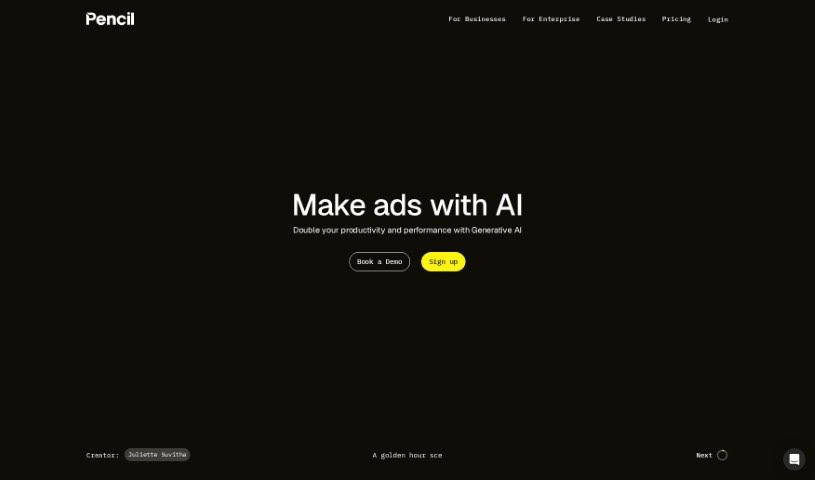
What is Pencil AI?
Pencil AI is designed to be a creative partner, using AI to help you make ads faster and better, without taking over your creative vision. It is a tool that boosts your own creativity, helping you produce ads that perform well while keeping costs down. It’s all about streamlining the creative process, so you can generate ideas and create ad assets more efficiently. Pencil AI focuses on making ads that are not only effective but also meet high-quality standards, ultimately aiming to help you double your ad performance by getting the most out of your creative efforts.
Who created Pencil AI?
Pencil was built by a team passionate about making creativity both effective and easy, with AI at its heart. While specific founder details aren’t readily available, the company’s core mission is clear: to enhance human creativity using AI tools. Pencil aims to help users create ads more efficiently, improve their performance, and simplify the entire creative process. They emphasize core values like encouraging unexpected ideas, fostering teamwork, and keeping things simple.
What is Pencil AI used for?
- Create a variety of ads: You can generate both static images and videos.
- Perfect for any platform: Ads are available in multiple aspect ratios, fitting perfectly for channels like Facebook, Instagram, TikTok, YouTube, Amazon, and more.
- Direct export: Easily send your ad ideas straight into your ad accounts.
- Downloadable assets: Save your ad ideas as image (PNG) or video (MP4) files.
- Data-driven insights: Get smart suggestions based on data to improve your ad performance.
- Easy campaign management: Create and manage your ad campaigns with ease.
- User-friendly design: Develop high-quality ads using an interface that’s simple to navigate.
- Unlimited testing: Optimize your ad campaigns by testing as many different ad creatives as you need.
- Boost visibility: Reach a wider audience and increase your brand’s presence.
- Informed decisions: Analyze your ad performance to make smarter choices.
Who is Pencil AI for?
- Ecommerce brands
- Performance agencies
How to use Pencil AI?
Here’s a straightforward guide to using Pencil effectively:
- Start with a Free Trial: Sign up for Pencil’s free trial – no credit card needed! This gives you access to its AI concepting, storyboarding, and creative editing features.
- Provide Your Brand Assets: Upload your brand kit, which includes logos, fonts, and colors. Also, add your brand or product description. For the best automated video editing, make sure your images and videos don’t have any text overlays or “supers.”
- Generate and Export Ads: Pencil can create static and video ads in various aspect ratios, perfect for digital channels like Facebook, Instagram, TikTok, YouTube, Amazon, and others. You can either export these ad ideas directly to your ad account or download them as PNG or MP4 files.
- Subscription Management: If your subscription ends, you’ll lose access to your workspaces, and no further charges will be made. If you wish to restart a cancelled subscription, please reach out to [email protected].
- Optimize for Performance: For Pencil to work its best, your ad account should have at least $5k/mo in ad spending and existing performance data. Connect your branding, assets, and data so Pencil can generate ads predicted to perform well, using AI models from leading industry providers.
- Team Collaboration: Work together with your team in one place to create, approve, and launch ads. Features like brand safety controls, a custom brand library, and AI magic tools make collaboration smooth. Pencil also prioritizes data privacy with ringfencing and a “No Train” policy.
By following these steps, you can really make the most of Pencil’s features. You’ll be able to create great ads, fine-tune your campaigns, and boost your brand’s visibility and customer engagement.