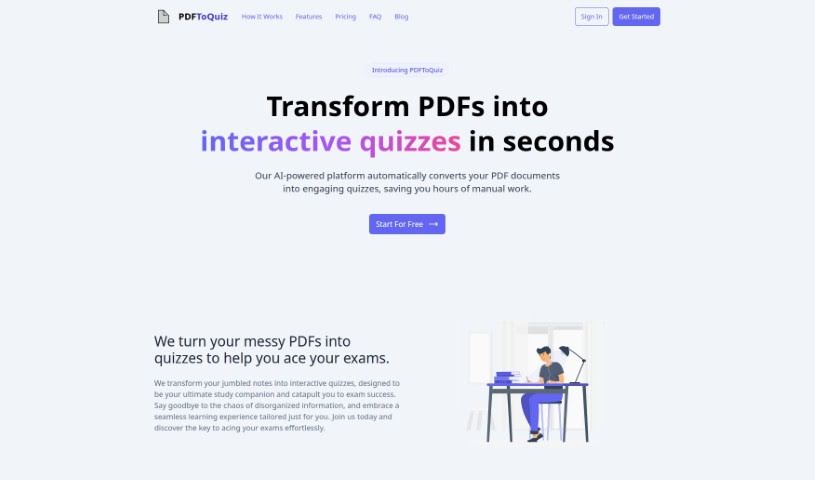
What is PDFToQuiz?
PDFToQuiz is your personal study buddy that turns any PDF into a custom quiz. It’s designed to make exam prep way easier and more effective. You just upload your study materials – like notes, articles, or even whole books – and its smart AI gets to work. It scans everything, pulls out the important bits, and creates multiple-choice questions just for you. You get instant feedback on how you did, and you can even track your progress over time. This means no more spending hours making your own quizzes! It’s a real time-saver for anyone studying for exams. People find it super easy to use, well-organized, and efficient. The interface makes uploading your documents and taking quizzes a breeze, really making learning feel more interactive.
Even if your notes are a bit messy or out of order, the AI can handle it. It’s smart enough to pull out the key info specific to your document, which helps create quizzes that are truly personalized. This approach really helps you understand the material better because you’re actively engaging with it. So, PDFToQuiz is a great way to create your own quizzes for any test, offering a unique study aid that’s made just for you.
Who created PDFToQuiz?
We don’t have specific details about the founder or the company behind PDFToQuiz, but it was launched on January 22, 2024. It seems to be a focused tool for a specific need.
What is PDFToQuiz used for?
PDFToQuiz is packed with features to help you study smarter:
- User-friendly interface: It’s easy to navigate and use.
- Key information extraction: The AI pulls out the most important details.
- Personalized Learning Experience: Quizzes are tailored to your specific study materials.
- Progress tracking feature: Keep an eye on how you’re improving.
- Ideal for exam preparation: Makes studying for tests much more effective.
- Automated quiz creation: Say goodbye to making quizzes by hand!
- Interactive learning journey: Makes studying more engaging.
- Time-efficient studying: Saves you valuable time.
- Eliminates manual quiz creation: The AI does the heavy lifting.
- Transforms jumbled notes: Handles disorganized study materials with ease.
- Streamlined studying solution: Simplifies the entire study process.
- Aces exams effortlessly: Helps you feel more prepared and confident.
- Test and reinforce understanding: Helps solidify what you’ve learned.
- Encourages active learning: You learn by doing, not just reading.
- Education aid feature: A helpful tool for students and educators alike.
- Boosts exam confidence: Feel more ready for your tests.
- Efficient alternative to traditional studying: A modern approach to learning.
- Optimized for lengthy documents: Handles even large PDFs.
Who is PDFToQuiz for?
This tool is incredibly versatile and useful for a wide range of people involved in education and learning:
- Educators
- Students
- Professionals preparing for exams
- Teachers
- Anyone in the education sector
- Professionals across various fields
- Educational Professionals
- Professionals needing to study specific material
- Tutors
- Academic Professionals
- Lecturers
- Professors
Basically, if you’re studying or teaching and dealing with PDF documents, this tool could be a game-changer.
How to use PDFToQuiz?
Using PDFToQuiz is pretty straightforward. Here’s how you can get started:
- Upload your material: First, just upload your study PDF. You can drag and drop it right onto the page, or use the direct upload option.
- Let the AI work: Once uploaded, the AI automatically scans your PDF. It identifies the essential study points and then converts them into a personalized quiz.
- See the AI in action: The AI pulls out key information specifically from your document. What it extracts can depend on the content and the subject matter, but it’s designed to be relevant.
- Efficient quiz creation: PDFToQuiz really shines here because it uses AI to scan, find important info, and generate multiple-choice questions. This means you don’t have to create them yourself!
- Track your progress: It’s not just about testing; you can also track how you’re doing over time. This makes it a great interactive learning tool, not just a quiz generator.
- Handles any exam: PDFToQuiz is suitable for all sorts of exams and is great at dealing with notes that might be jumbled or disorganized.
- Great user experience: People describe it as intuitive, organized, and efficient. You get features for tracking progress and a really interactive learning experience.
- Personalized learning: The tool helps you learn in a way that’s tailored to you by turning your study materials into custom quizzes.
- A better way to study: You can use it instead of traditional study methods. It offers organized, engaging quizzes that help you understand subjects better.
- Content-specific questions: The multiple-choice questions are generated directly from your PDF content, ensuring a study experience that’s truly customized to what you’re learning.