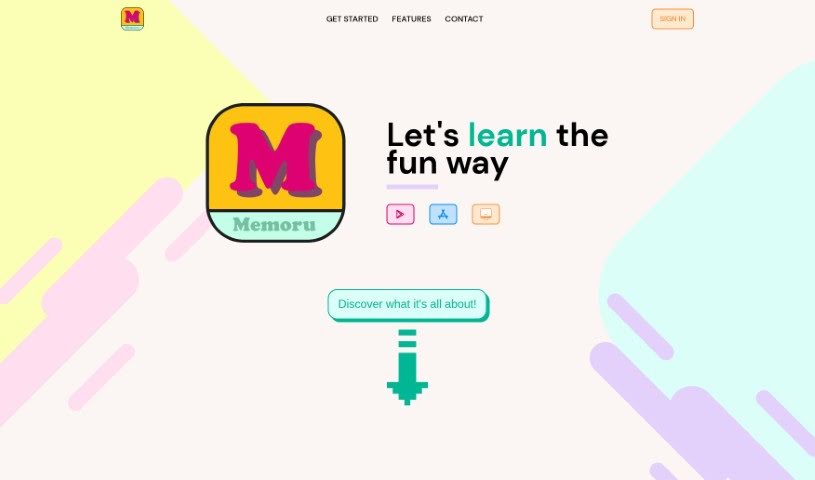
Screenshot of Memoru Flashcards

Memoru Flashcards

Discover what Memoru Flashcards is and learn how to use it effectively in 2025. We'll explore its features and see how it stacks up against other student tools.

Screenshot

What is Memoru Flashcards?

Memoru Flashcards is a really neat flashcard app that helps you memorize pretty much anything in a way that’s both unique and totally customizable. Unlike the usual two-sided flashcards you might be used to, Memoru lets you go way beyond that with full control over how your cards are made. You can either create your very own flashcards from scratch or pick from a bunch of decks that other users have shared. The best part? It’s free and available on iOS, Android, and Desktop, so you can learn whenever and wherever you want. Memoru’s interface is designed to be visually appealing, which really helps keep you motivated as you learn. It’s a simple, intuitive platform that makes it easy to see how you’re doing, revisit cards you got wrong, and really focus on the ones that are giving you trouble. Plus, Memoru offers practice tests, a cool flashcard swiper with a reverse quiz option, and quizzes you can customize to fit exactly how you like to learn, making the whole process engaging and effective.

Who created Memoru Flashcards?

Memoru Flashcards was actually started by someone who really believed that learning should be simple and enjoyable. The company behind it, Memoru, has a goal to make learning fun and effortless for everyone. They do this by creating innovative flashcard apps. With Memoru, you can dive into any subject you like, using flashcards that you can customize completely. You’ve got the flexibility to make your own cards or choose from decks shared by the community. Memoru is available across iOS, Android, and Desktop, meaning you can learn anything, anywhere, and it’s all completely free.

How to use Memoru Flashcards?

To really get the most out of Memoru Flashcards, here’s a simple breakdown of how to use it:

  1. Create or Choose Your Decks: Your learning journey starts here. You can either create your own custom flashcards or browse through the many community decks that are available. Memoru lets you customize your cards in ways that go beyond the standard two-sided format, which really helps boost your learning.
  2. Stay Organized: Memoru’s interface is designed to be visually pleasing, making it super easy to keep track of your progress. You can quickly access decks you’ve used recently, review any cards you missed, and easily spot the ones that are proving to be a bit more challenging.
  3. Test Your Knowledge: Want to see how well you’re retaining information? You can take practice tests that you can customize. You get to choose how many questions you want and what types of questions you prefer, tailoring the test to your specific learning needs.
  4. Use the Flashcard Swiper: It’s a fun way to interact with your cards! Just drag to flip them over and see the answer. You can also try the reverse quiz mode, which is a great way to really strengthen your ability to remember things.
  5. Explore Different Question Types: Memoru offers a variety of question types to help you learn best. Whether you prefer Assign, Choice, or Text questions, there’s something to match your learning style, allowing you to test your knowledge thoroughly.

By following these steps, you’ll be able to make the most of Memoru Flashcards, really improving how you learn and helping you remember information much more effectively.

Related AI Tools

Discover more tools in similar categories that might interest you

Academic Help Free Essay Generator

Education Academic Writing
Learn More

Stay Updated with AI Tools

Get weekly updates on the latest AI tools, trends, and insights delivered to your inbox

Join 25,000+ AI enthusiasts. No spam, unsubscribe anytime.