04-X
Text Generation Chatbots
Learn more
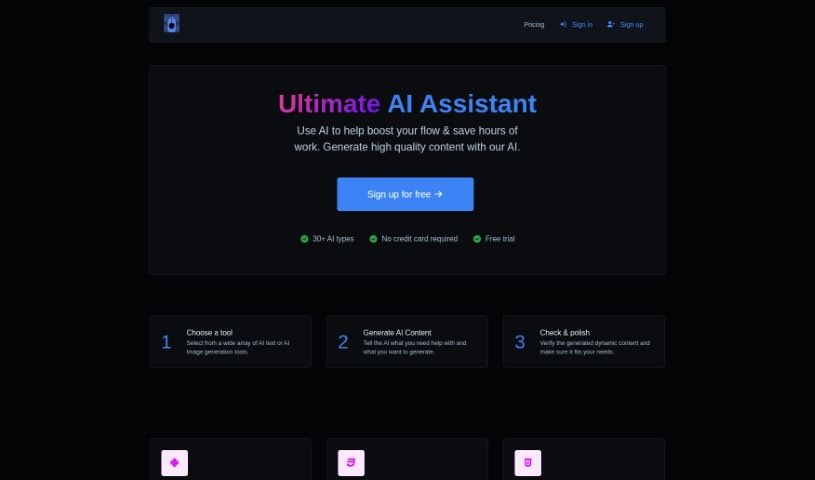
Macbeth AI is an AI writing assistant for creative writing, summarizing, code snippets, and other content generation tasks.
Macbeth AI is an AI assistant built for content creation, with a focus on creative writing. It uses algorithms to write in a range of styles, letting you adjust the tone, style, and length of the output. It targets writers who need inspiration or help drafting pieces, and is designed to make content creation faster and more productive.
Macbeth AI was developed by Brooke, an AI company.
Macbeth AI supports a variety of tasks, including:
The tool suits a wide range of writers, including novelists, screenwriters, poets, copywriters, journalists, bloggers, content marketers, editorial writers, scriptwriters, and technical writers — anyone producing written content who wants help drafting, rephrasing, or brainstorming.
Go to the Macbeth AI website and find the “Custom prompt” section on the homepage. Enter what you want the AI to do — for example, write about a specific topic — and submit your request. The AI generates content based on it, which may include text or images. You can save or download the results directly from the platform, then enter a new prompt to generate more.
Related
Discover more tools in similar categories
Weekly picks of the best AI tools we've researched and added — no spam, unsubscribe anytime.
Join 25,000+ AI enthusiasts. No spam, unsubscribe anytime.