Adaface AI Resume Parser
Human Resource Recruitment
Learn more
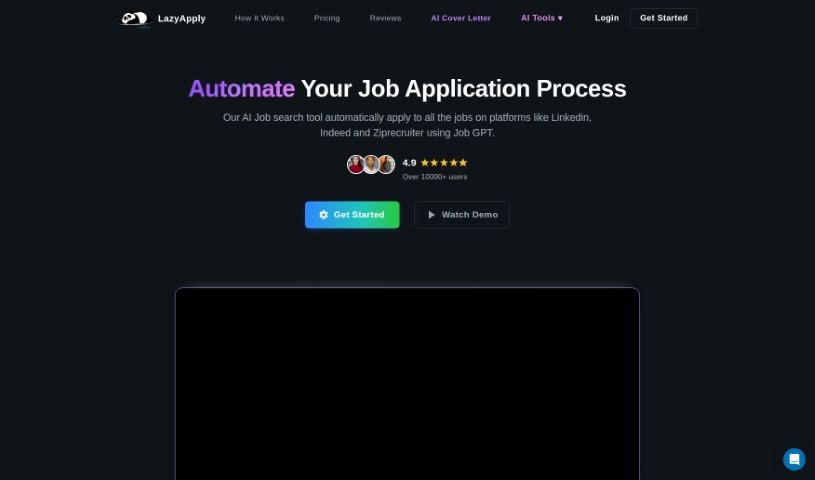
Discover what LazyApply is and how it uses GPT-3 to generate personalized cover letters for job applications on platforms like LinkedIn and Indeed. No
LazyApply is an AI-powered tool designed to help you write cover letters. It uses GPT-3 technology to create personalized letters for your job applications. You can generate as many cover letters as you need with a subscription, or try up to five for free each day. The platform lets you pick different tones to fit the job you’re applying for, checks your grammar and spelling, and works for a range of jobs and platforms like LinkedIn and Indeed. Users report that it is easy to use and effective.
Rishav Kumar founded LazyApply. The service helps job seekers by using AI, specifically GPT-3, to create personalized cover letters, making the application process smoother.
LazyApply helps you write personalized cover letters tailored to your applications. Core capabilities include:
LazyApply is aimed at job seekers across many fields, including product designers, therapists, and software developers. Anyone applying to jobs who wants to speed up writing personalized cover letters can use it.
Related
Discover more tools in similar categories
Weekly picks of the best AI tools we've researched and added — no spam, unsubscribe anytime.
Join 25,000+ AI enthusiasts. No spam, unsubscribe anytime.