1Flow
Sales & Marketing Digital Marketing
Learn more
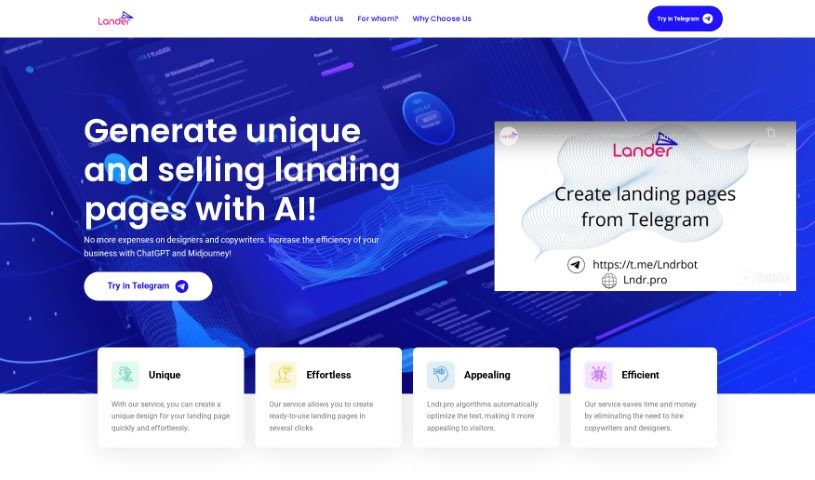
Discover what Lander is and how it uses AI to create custom landing pages that boost conversion rates.
Lander is an AI-powered landing page generator that uses technologies like ChatGPT and Midjourney to create unique designs and persuasive copy quickly. Its AI algorithms write text aimed at attracting potential customers and improving conversion rates, which can reduce the need to hire copywriters and designers.
The service suits a wide range of users — small businesses, startups, digital marketers, copywriters, designers, students, online entrepreneurs, and large corporations — particularly those who want quality landing pages without a large budget or design and coding experience. Its key features include advanced AI technology, customized solutions, and significant time and cost savings.
Lander was built by a team focused on applying AI technologies like ChatGPT and Midjourney to landing page creation. The company’s focus is on producing high-quality, custom landing pages tailored to each brand’s message and goals, saving clients time and resources while helping marketers and entrepreneurs improve conversion rates without deep design or coding skills.
Related
Discover more tools in similar categories
Weekly picks of the best AI tools we've researched and added — no spam, unsubscribe anytime.
Join 25,000+ AI enthusiasts. No spam, unsubscribe anytime.