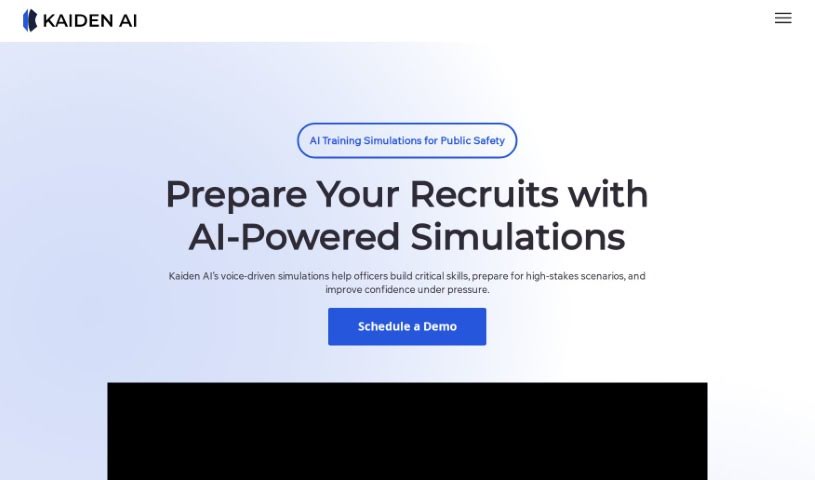
Screenshot of Kaiden AI

Kaiden AI

Discover what Kaiden AI is and learn how to use it effectively in 2025. We'll explore its features and see how it stacks up against other student tools.

Screenshot

What is Kaiden AI?

Kaiden AI offers VELS, which provides personalized simulations packed with rich feedback to really help you improve your interaction skills. This AI platform is designed to get you ready for all sorts of situations by adapting to different personality types, making the experiences feel super realistic and engaging. What’s great about Kaiden AI is its focus on voice-enabled simulations. This means you can practice speaking naturally, which is a fantastic way to boost your communication abilities effectively. All in all, Kaiden AI is looking to change the game in training methods by using advanced AI technology, helping you train smarter and more efficiently for all kinds of communication challenges.

Who created Kaiden AI?

Kaiden AI was actually created by Muntasir Rashid, who is the founder of the company. Kaiden AI really focuses on delivering AI voice-enabled simulations through their product, VELS. They specialize in creating tailored simulations that offer plenty of feedback for all sorts of interactions.

How to use Kaiden AI?

If you want to get the most out of Kaiden AI, here’s a simple breakdown of how to use it:

  1. Sign Up: First things first, you’ll want to sign up for free on the VELS by Kaiden AI website. You can use the link provided to get started with their AI voice-enabled simulations for your training.
  2. Select or Create a Scenario: You have a couple of options here. You can pick from a bunch of simulations that are already built, or you can create your own custom scenarios that fit exactly what you need. This step is all about making your training experience personal and focused on the skills you want to get better at.
  3. Receive Real-Time Feedback: As you go through the simulations, you’ll get instant insights and feedback. This is super helpful for improving your communication skills right then and there. It lets you make adjustments and get better as you’re training.
  4. Customize Scenarios: Don’t forget you can use the tool to create and tweak training scenarios to match your specific requirements. This customization feature is key to making sure the scenarios line up perfectly with your training goals.

By following these steps, you’ll be able to use Kaiden AI really effectively to train and improve your communication skills, all thanks to these AI voice-enabled simulations.

Related AI Tools

Discover more tools in similar categories that might interest you

Academic Help Free Essay Generator

Education Academic Writing
Learn More

Stay Updated with AI Tools

Get weekly updates on the latest AI tools, trends, and insights delivered to your inbox

Join 25,000+ AI enthusiasts. No spam, unsubscribe anytime.