Adaface AI Resume Parser
Human Resource Recruitment
Learn more
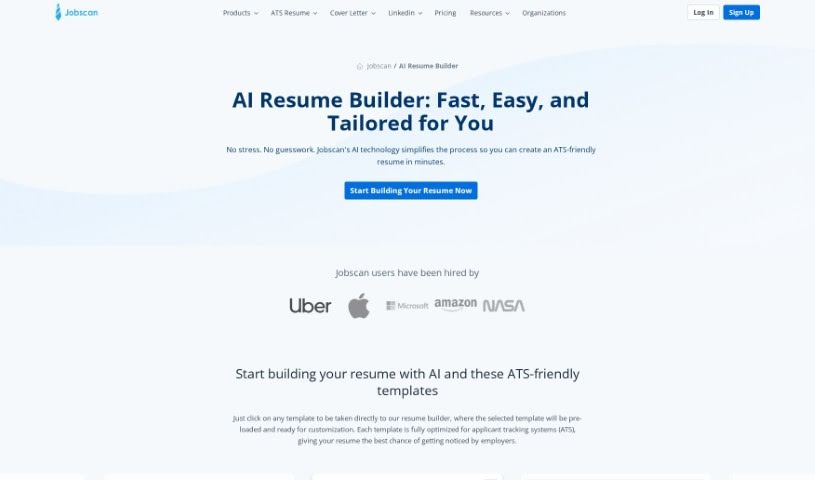
Discover what Jobscan AI Resume is and how it helps your resume pass Applicant Tracking Systems with ATS-friendly formatting, keyword suggestions, and.
Jobscan AI Resume is a tool built to help your resume get past Applicant Tracking Systems (ATS) and catch the attention of hiring managers and recruiters. It checks that your resume is formatted so ATS software can read it easily, suggests appropriate font sizes for clarity, helps you create strong headings that highlight your main skills, formats dates so your work history is easy to follow, and offers templates for a clean, scannable, professional look.
Jobscan uses artificial intelligence to analyze job descriptions, then suggests phrasing, keywords, and synonyms. The goal is to make it easier to improve your resume and increase your chances of landing the job.
James Hu created Jobscan AI Resume. He is also the founder of Jobscan, a company known for its AI resume builder, which is designed to help you analyze job descriptions and tailor your resume accordingly.
The tool suits professionals across many fields, including:
Following these steps helps you tailor your resume to each job posting and improve its visibility to both ATS software and human reviewers.
Related
Discover more tools in similar categories
Weekly picks of the best AI tools we've researched and added — no spam, unsubscribe anytime.
Join 25,000+ AI enthusiasts. No spam, unsubscribe anytime.