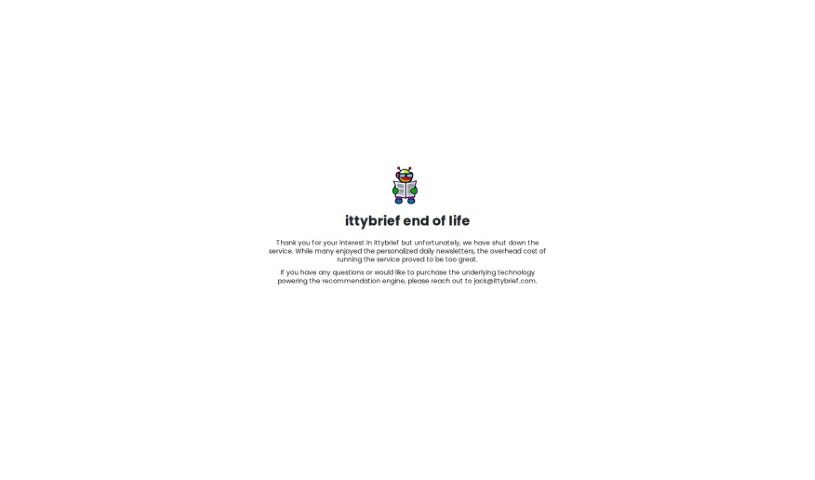
Screenshot of ittybrief

ittybrief

Discover what ittybrief is and how to use it effectively in 2025. We'll explore its features and see how it stacks up against other Content Marketing Tools.

Screenshot

What is ittybrief?

Ittybrief is a really neat platform designed to create personalized newsletters. It is your own custom news curator, delivering daily briefings on current affairs that are specifically tailored to your interests. You can share what you’re passionate about, and Ittybrief makes sure you stay informed about the news that genuinely matters to you through carefully selected content. It’s a straightforward way to get customized news updates delivered right to your email inbox, so you never miss out on topics you care about. Plus, Ittybrief offers some helpful tips to make sure your newsletters don’t accidentally end up in the spam folder. They suggest simple steps like marking newsletters as “not spam,” adding the sender’s email to your contacts, and reaching out to their support team if you run into any trouble.

Who created ittybrief?

Ittybrief was actually created by Rishit Patel. It’s a company that really focuses on building personalized newsletters, all geared towards individual interests, and they provide daily briefings on what’s happening in the world.

Who is ittybrief for?

  • Journalists
  • Teachers
  • Business professionals
  • Students
  • Content creators
  • Marketers
  • Researchers
  • Librarians
  • Public Relations Specialists
  • Event Planners

How to use ittybrief?

Using Ittybrief is pretty simple. Here’s a quick rundown:

  1. First off, head over to the Ittybrief website. You can find it at www.ittybrief.com.
  2. Once you’re there, take a look at the top features. You’ll get a daily newsletter packed with news articles and podcasts from over 1000 different sources. You can even add market equity price information, and everything is completely curated just for you, based on your interests.
  3. Now, to make sure your Ittybrief emails always land in your main inbox and not the spam folder, there are a few things you can do. Make sure to mark them as “not spam,” move them to your inbox if they do land in spam, and definitely add the email address [email protected] to your contacts. If you’re still having trouble, sending a quick email to that same address can help too.
  4. If you find you’re not getting your daily brief in your inbox, it’s worth doing a little troubleshooting. Check your email settings, take a peek at the Promotions tab if you use Gmail, double-check that your email address is entered correctly, and of course, check your spam folder. Adding [email protected] to your contacts is a good step. If none of that works, don’t hesitate to reach out to IT support.
  5. Want to get your brief right away? Just click the “Instant Brief” button on the Ittybrief website.

By following these steps, you’ll be all set to use Ittybrief effectively and stay up-to-date with personalized newsletters that match your interests perfectly.

Related AI Tools

Discover more tools in similar categories that might interest you

Stay Updated with AI Tools

Get weekly updates on the latest AI tools, trends, and insights delivered to your inbox

Join 25,000+ AI enthusiasts. No spam, unsubscribe anytime.