What is I-Resonate?
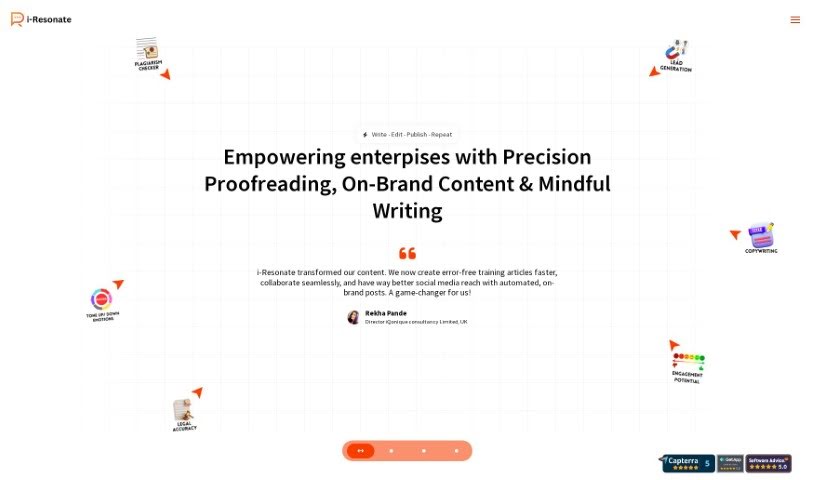
I-Resonate is an AI writing assistant that helps you craft content that really connects and expresses your ideas well. It’s packed with features like voice input, letting you create content based on keywords, generating text from titles, and using ready-made templates through its MessageCraft engine.
This platform offers a bunch of ways to make content creation smoother. You can import and polish up existing text or PDF files, work through exercises designed to build your critical thinking skills, and even get an idea of how appealing your article might be before you hit publish.
I-Resonate is available for personal use with a “free to try” option, and there are also premium plans that unlock more advanced features and offer discounts. You can pick a subscription plan that fits how much you plan to use it, whether that’s for moderate writing tasks or if you’re creating a lot of content regularly.
When it comes to keeping your data safe, i-Resonate is fully GDPR compliant. This means it doesn’t store any personally identifiable information in the cloud. Your data, including your username and email, is encrypted for extra protection. Plus, you can easily delete your account and all your content with just one click right from your user profile page.
Who created I-Resonate?
I-Resonate was actually built by a group of tech enthusiasts who have a real passion for both creative writing and artificial intelligence. It first launched on June 6, 2023. The company is based in Dehradun, Uttarakhand, India. Their main goal is to help creative people share their ideas and thoughts more easily, even if there are language barriers, by using AI to lend a hand.
What is I-Resonate used for?
- Writing creatively
- Generating content
- Creating personalized content
- Analyzing emotions in text
- Getting AI writing help
- Automating blog posts
- Making workflows smoother
- Using voice input for writing
- Doing exercises to build skills
- Analyzing content quality
- Working across different platforms
- Getting warnings for toxic language
- Storing content securely
- Setting up team workflows
- Checking content positivity
- Scanning for offensive or toxic language
- Analyzing the balance of facts and emotions
- Using customizable message templates
- Adding special decorators and enhancers to text
- Generating summaries automatically
Who is I-Resonate for?
- Writers
- Bloggers
- Authors
- Content creators
- Marketers
- Journalists
- Students
How to use I-Resonate?
To get the most out of I-Resonate for your content creation, here’s a simple guide:
- Define Your Brand Voice:
- Start by picking out keywords that really speak to what your audience is interested in. This helps set your brand’s unique voice.
- Choose Content Types and Formats:
- You’ve got a lot of options here – think articles, social media updates, infographics, newsletters, and more. Pick what works best for your message.
- Generate, Schedule, and Publish:
- You can set dates for when your content goes live, automate the creation process, and then post it across your social media channels.
- Use Predefined Message Templates:
- The MessageCraft engine lets you customize templates for super-quick content creation. Or, you can just provide headings, and it’ll generate content for you.
- Voice Input Feature:
- Go hands-free! Use voice input to transcribe your speech directly into text, which you can then edit right there in the app.
- Keyword-Based Content Creation:
- Want content that matches specific tones and styles? Just give it your keywords, and it’ll generate content tailored just for you.
- Import and Refine Existing Files:
- Got existing doc(x), txt, or PDF files? You can import them right into the editor to tweak, enhance, and improve them.
- Enhance Critical Thinking:
- There are exercises available to help you build your skills. These are great for sharpening your critical thinking, storytelling, and argumentation abilities.
- Assess Potential Appeal Before Publishing:
- Before you publish, use the AI analysis to check things like credibility, creativity, how engaging it might be, and other quality factors. This helps you refine your content.
- Cross-Platform Functionality:
- Work seamlessly across different devices. This makes content creation much more flexible and convenient.
- Team Version for Workflow Streamlining:
- If you’re working with a team, this version is fantastic for collaborating efficiently. It offers custom automation that can lead to high-quality output, saving you significant time and money.
- Pricing Plans:
- You can try it out for free, and if you need more, you can always upgrade to premium plans based on what you need.
By following these steps, you can really make the most of I-Resonate’s AI-powered features. It’s a great way to streamline and improve your whole content creation process.