777ccc.com
Education Summarizers
Learn more
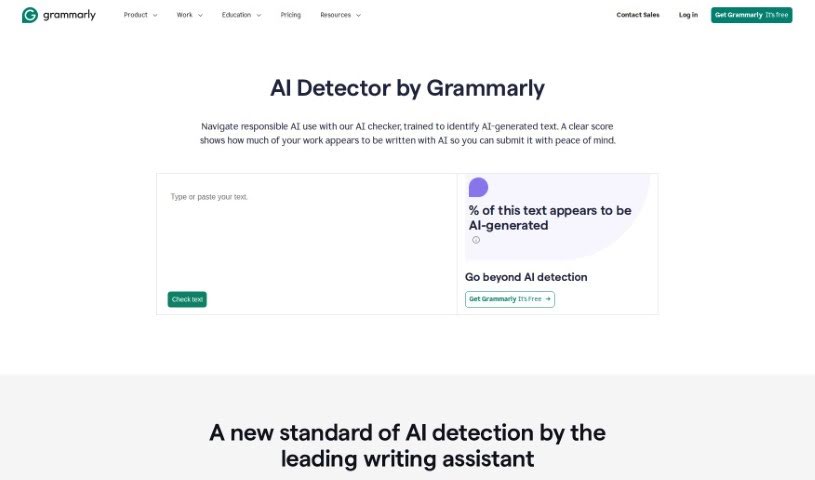
Learn how Grammarly's AI Detector estimates whether text was AI-generated and what its percentage score means.
Grammarly’s AI Detector helps you determine whether a piece of writing may have been created by AI. It breaks text into smaller parts, compares them against patterns common in AI-generated content, and produces a percentage score indicating how likely it is that AI wrote the text.
The tool isn’t foolproof. It cannot definitively confirm whether text was or wasn’t written by AI, so it’s best used as one part of a broader assessment of a document’s originality. Grammarly emphasizes responsible AI use and works to keep its detection models fair and unbiased.
The AI Detector is made by Grammarly, the company founded by Alex Shevchenko, Max Lytvyn, and Dmytro Lider in 2009. Grammarly has since grown into a widely used AI-powered writing assistant.
The tool is useful for anyone who needs to evaluate the originality of written content, including content creators, editors, academic researchers, journalists, teachers, marketing professionals, technical writers, copywriters, and social media managers.
The score reflects likelihood, not certainty. Treat the result as one piece of the puzzle when judging originality.
For deeper insight into how a document was written, Grammarly’s Authorship feature categorizes text based on its source and generates a shareable report to help validate your writing process. If you use AI in your writing, Grammarly can also help you generate citations for that AI usage — being transparent about AI assistance is recommended.
Related
Discover more tools in similar categories
Weekly picks of the best AI tools we've researched and added — no spam, unsubscribe anytime.
Join 25,000+ AI enthusiasts. No spam, unsubscribe anytime.