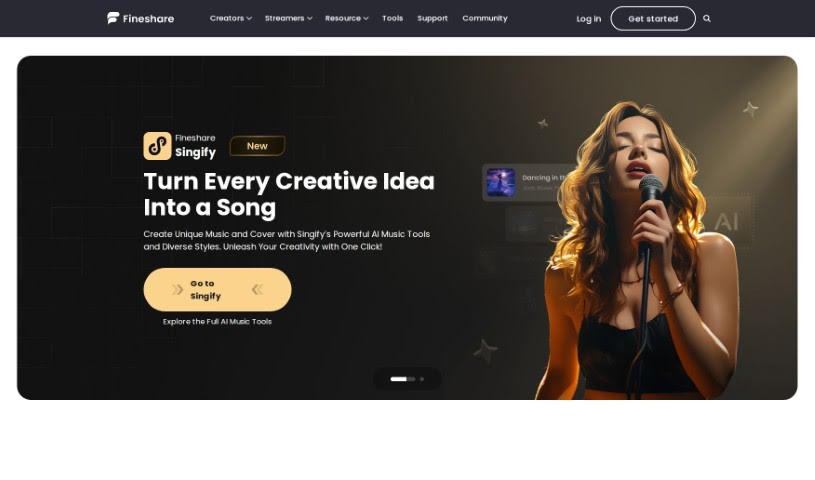
Screenshot of Fineshare

Fineshare

Discover what Fineshare is and learn how to use it effectively in 2025. We'll explore its features and see how it stacks up against other Voice Generators.

Screenshot

What is Fineshare?

FineVoice offers a really neat AI Voice Changer tool. It lets you quickly create realistic, personalized voices for your video voiceovers. It is a way to give yourself a unique voice identity without needing expensive recording gear or a whole production team. By using FineVoice’s AI voice generator or voice changer, you can whip up high-quality voiceovers efficiently. This can really help your content stand out and grab more attention from your fans and viewers. Essentially, the FineVoice AI Voice Changer is built to make changing and customizing voices much simpler, whether you’re making videos or just need a great voiceover.

Who created Fineshare?

Fineshare is the company behind the Finevoice AI Voice Changer. They launched this voice changer on July 2, 2024, giving people the ability to customize and generate realistic voices for voiceovers and videos. Fineshare’s whole aim is to make sound creativity easier with AI-powered technology. While they’re doing some pretty cool stuff, the specific founder of Fineshare isn’t mentioned in the information I have.

What is Fineshare used for?

  • Turning text into speech
  • Generating voices with AI
  • Cloning voices using AI
  • Quickly creating personalized, realistic voices
  • Making high-quality voiceovers for videos
  • Getting noticed by fans and viewers with a unique voice
  • Changing voices with AI
  • Creating AI covers
  • Speeding up the process of making video voiceovers
  • Boosting creativity in your voice content

Who is Fineshare for?

  • Voiceover Artists
  • Video creators
  • Content creators
  • Social media influencers

How to use Fineshare?

Using the FineVoice AI Voice Changer is pretty straightforward. Here’s a quick rundown:

  1. First, head over to the FineVoice website and find the AI Voice Changer tool.
  2. Next, pick the voice you’d like to use or change. You’ll find options for female, male, and other types of voices.
  3. Then, you can either upload an audio file you want to tweak or type in the text you want to convert into speech.
  4. After that, adjust the voice modulation settings to your liking – think about things like pitch, speed, and tone.
  5. It’s a good idea to preview the modified audio to make sure it sounds just right.
  6. Once you’re happy with it, just download the changed audio file to your computer or device.
  7. Now you’re all set to use that new voiceover in your videos, podcasts, or whatever else you’re working on!

By following these simple steps, you can really make the most of the FineVoice AI Voice Changer to create those unique, personalized voiceovers for all your projects.

Related AI Tools

Discover more tools in similar categories that might interest you

Stay Updated with AI Tools

Get weekly updates on the latest AI tools, trends, and insights delivered to your inbox

Join 25,000+ AI enthusiasts. No spam, unsubscribe anytime.