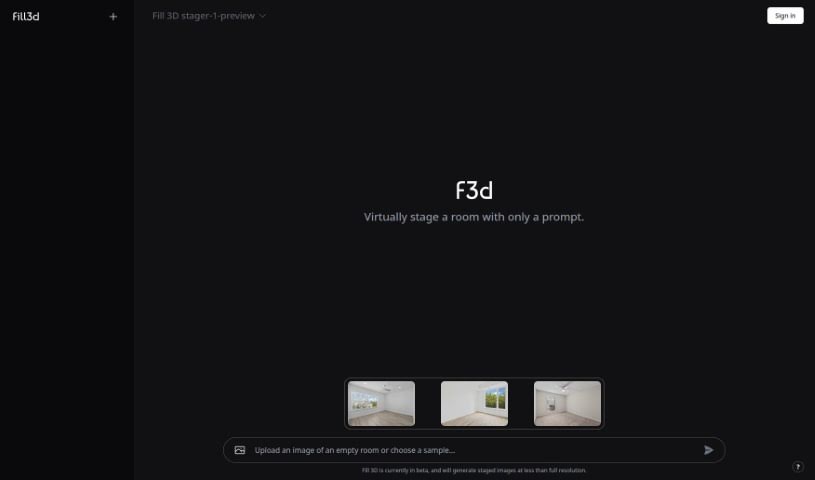
What is Fill 3D?
Fill 3D is a really neat tool that lets you do generative fill right in 3D, which is perfect for virtual staging. Basically, you can take a photo of an empty room, draw some rectangles where you want furniture to go, and then just describe what kind of furniture you’re looking for. The tool then quickly creates a photorealistic image for you. What makes Fill 3D stand out is how realistic its results are, especially with the lighting – it avoids those annoying warping or glitchy effects you sometimes see. It’s also super efficient; most images are ready in less than a minute, even if they’re higher resolution. You can get results up to 4K or even higher, and the best part? You can tweak and regenerate your images as many times as you need without paying extra. This tool was created by @olokobayusuf and built using Function AI, and it’s got a lively community over on Instagram and GitHub.
Who created Fill 3D?
Fill3D first came out on September 28, 2023, and it’s the brainchild of @olokobayusuf. This tool is all about generative fill in 3D, making it a fantastic option for virtual staging. You start by uploading a photo of an empty room, then you can describe the furniture you envision, and the tool quickly renders a photorealistic image. It really shines because it produces such realistic results, generates images super fast (usually under a minute), offers high resolution up to 4K, and lets you refine and regenerate your images multiple times without any extra cost. Fill3D was developed using Function AI, and you can find a pretty active community discussing it on Instagram and GitHub.
What is Fill 3D used for?
- Quick Image Generation: It’s incredibly fast at creating images.
- Virtual Room Staging: Perfect for making empty rooms look furnished.
- Realistic Room Visuals: Generate photorealistic images of rooms with the exact furniture you want.
- Accurate 3D Lighting: It handles lighting in generative 3D fills really well.
- Speedy Results: Most images are ready in under a minute.
- High-Resolution Output: Get images up to 4K or even higher quality.
- Endless Refinement: You can keep tweaking your images.
- Free Regenerations: Refine and regenerate results multiple times without any extra charges.
- Fast Processing: The generation process is very quick.
- Lifelike Virtual Staging: It produces realistic results for staging.
- Community Building: Connect with others on Instagram and GitHub.
- Room Staging: Specifically designed for staging rooms virtually.
- 3D Generative Fill: It uses generative fill technology in a 3D space.
- Precise Lighting: It simulates lighting accurately.
- High-Fidelity Rendering: Creates very detailed and accurate images.
- Sharp Image Results: Delivers high-resolution images.
- Unlimited Tweaking: You can refine images as much as you like.
- True-to-Life Results: The images look very real.
- Flexible Editing: You have a lot of freedom to refine and regenerate images.
Who is Fill 3D for?
- People who do virtual staging.
- Interior designers looking to visualize spaces.
- Real Estate Agents wanting to showcase properties effectively.
How to use Fill 3D?
Fill 3D is a tool specifically made for virtual staging, and it’s pretty straightforward to use. Here’s how you can generate those realistic 3D images:
- Start with a Photo: First, upload a picture of an empty room into the Fill 3D tool.
- Draw Your Furniture Spots: Next, use the drawing feature to outline rectangles where you want furniture to appear.
- Describe What You Want: Then, simply type in a description of the furniture or items you’d like to place in the room.
- Instant Photorealism: In about a minute, the tool will render a photorealistic image of the room, complete with the furniture you described.
- Enjoy High-Quality Results: You’ll get to see the high-fidelity results from Fill 3D. It uses generative fill in 3D and gets the lighting just right, so you won’t see any warping or glitches.
- Benefit from Speed: Fill 3D is really efficient. It can generate most images in under a minute, and even for higher-resolution images, it usually takes just 1-2 minutes.
- Get High Resolution: You can expect output that matches the original image’s quality, going up to 4K resolution or even higher.
- Refine Freely: The best part is you can refine and regenerate your results multiple times without any extra cost until you’re completely happy with how it looks.
- Join the Community: Don’t forget to check out the active Fill 3D community on Instagram and GitHub for more ideas and help.
All in all, Fill 3D is a really powerful tool if you’re into virtual staging. It gives you realistic results, generates them quickly, offers high resolution, and lets you refine your images endlessly.