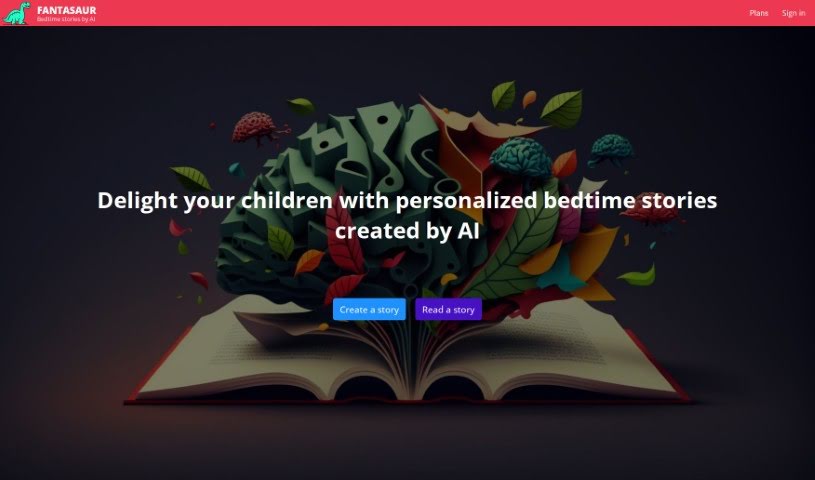
Screenshot of Fantasaur

Fantasaur

Discover what Fantasaur is and how to use it effectively in 2025. We'll explore its features and see how it stacks up against other Text-to-Image tools.

Screenshot

What is Fantasaur?

Fantasaur is a neat AI tool designed to help parents create really personal bedtime stories for their kids. You can pick the story’s language, choose a moral or lesson, and even give the characters custom names. Just one click, and Fantasaur’s AI engine whips up a unique story with illustrations. You can either read it or listen to it. Just a heads-up, Fantasaur is meant for parents to use with their kids, not for kids to use on their own. You can access it easily through most web browsers on your phone or computer, and there’s even an Android app on the Google Play Store. Fantasaur really aims to make storytelling a special, shared experience that parents and children can treasure.

Who created Fantasaur?

Fantasaur was developed by an AI tool specifically built to help parents craft personalized bedtime stories for their children. It first launched on September 6, 2023. The main idea is to let parents choose the story’s language, pick from different moral lessons, and customize character names. The company behind Fantasaur wants to help parents create fun and engaging storytelling moments that build lasting memories with their kids.

What is Fantasaur used for?

  • Create personalized bedtime stories for children: Make unique tales just for your little ones.
  • Select preferred language: Choose the language that best suits your child.
  • Pick from a range of morals: Select a specific lesson or moral for the story.
  • Customize character names: Give your story characters names that your child will love.
  • Generate stories with pictures and audio: Get stories that come with illustrations and can be listened to.
  • Supervised use by parents: Parents can read or listen along with their children.
  • Easy access: Use it on major web browsers (mobile & desktop) or the Android app.
  • Subscription plans: Explore different options to unlock more features.
  • Foster engaging storytelling: Help parents create memorable moments with their kids.
  • Not for unsupervised use: This tool is designed for parental guidance.
  • Create unlimited stories: Make as many stories as you like.
  • Stories kept while subscribed: Your creations are saved as long as you’re subscribed.
  • Ads free: Enjoy an uninterrupted experience.
  • Several images per story: Get multiple illustrations for each tale.
  • Stories in audio format: Listen to your stories anytime.
  • Stories in any language: Access stories in the languages you need.
  • Customized morals: Tailor the story’s message.
  • Share stories with a unique link: Easily share your creations with others.
  • Top AI models: Uses the most powerful text and image AI available.
  • Delight children: Create fun bedtime stories with AI.
  • Turn bedtime into an adventure: Make bedtime exciting and personal.
  • Choose 4 emojis and a moral: Add a personal touch with emojis and a chosen moral.
  • Name the characters: Personalize the story by naming the characters.
  • Create stories in 18 languages: Access a wide range of language options.
  • Help parents delight children: Make bedtime enjoyable with amusing stories.
  • Read or listen together: Share the experience with your child.
  • Interactive mode: Shape the story as it unfolds for a dynamic experience.

Who is Fantasaur for?

  • Parents
  • Teachers
  • Childcare providers
  • Storytellers
  • Writers
  • Educators

How to use Fantasaur?

Fantasaur is a really handy tool for creating personalized bedtime stories for kids. Here’s a simple step-by-step guide to get you started:

  1. Access Fantasaur: You can use Fantasaur on any major web browser, whether you’re on your phone or your computer. Plus, there’s an Android app you can download from the Google Play Store.
  2. Create a Story: First, pick the language you want for the story. Then, choose from a variety of morals or lessons. Don’t forget to customize the character names to make it extra special for your child.
  3. Generate the Story: Once you’ve set everything up, just click a button! Fantasaur’s powerful AI engine will create a unique bedtime story, complete with lovely pictures. You can then choose to read it or listen to it.
  4. Interactive Mode: Want a more engaging experience? Turn on the interactive mode. This lets you help shape the story as it unfolds, making it a dynamic adventure.
  5. Supervised Use: Remember, Fantasaur is designed for parents to use with their children. It’s not meant for kids to use by themselves. While there are safety features, the generated stories aren’t moderated, so parental supervision is key.
  6. Subscription Plans: Check out the different subscription plans. There’s even a free trial so you can test out the features and create your first few stories. Plans offer things like ad-free stories, multiple images per story, and audio versions.
  7. Share and Enjoy: You can share the stories you create using a unique link. Enjoy the process of making personalized bedtime stories that you and your child can cherish and remember.

By following these steps, parents can easily use Fantasaur to create delightful and engaging bedtime stories for their children, fostering a shared and memorable storytelling experience.

Related AI Tools

Discover more tools in similar categories that might interest you

123RF AI Image Generator

Creative Image Generation
Learn More

Stay Updated with AI Tools

Get weekly updates on the latest AI tools, trends, and insights delivered to your inbox

Join 25,000+ AI enthusiasts. No spam, unsubscribe anytime.