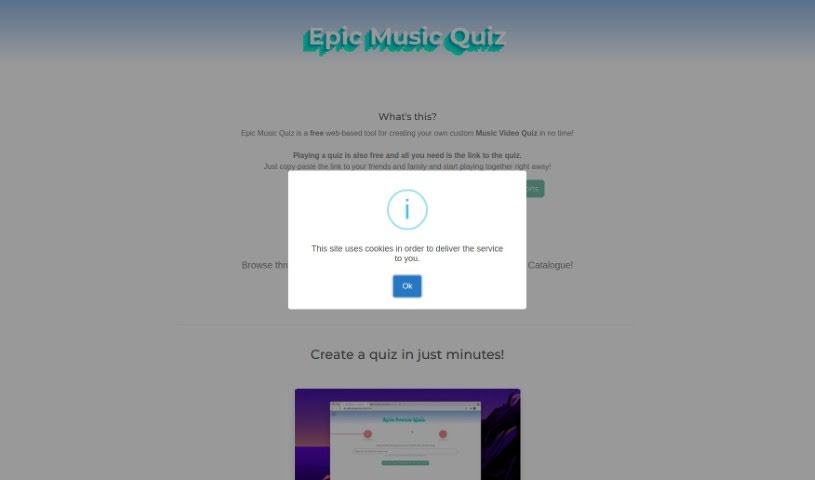
Screenshot of Epic Music Quiz

Epic Music Quiz

Curious about Epic Music Quiz? Let's break down what this fun tool is all about and how you can start using it effectively in 2025. We'll cover its features and even see how it stacks up against other music generators.

Screenshot

What Exactly is Epic Music Quiz?

So, what’s this “EpicMusicQuiz” all about? It’s a really neat web app, brought to you by a company called Crossroad (or xRoad, as they’re known). Basically, it lets you create your very own music video quizzes. It is a free, super flexible way to test your music knowledge and have fun with friends. You can add as many videos as you like, play with pals in a multiplayer mode, and even chat with each other using your webcam and microphone. If you want to stay in the loop and get new quizzes every day, you can follow EpicMusicQuiz on Twitter. Just a heads-up, it needs JavaScript to run, a screen that’s at least 800px wide, and of course, an internet connection. While it doesn’t have support for different languages or a dedicated mobile app just yet, it really shines when it comes to getting people together, letting you play and interact with your friends in real-time.

Who’s Behind Epic Music Quiz?

EpicMusicQuiz first popped onto the scene on July 10, 2024, and it was developed by Crossroad (xRoad). This web-based tool is all about letting you craft personalized music video quizzes. It’s not just about creating them, though; you can also play them with your friends and really get into the interactive fun with features like webcam and microphone integration. To get it working, you’ll need JavaScript enabled and a screen width of at least 800px. The platform really focuses on building a community, offering new quizzes daily via Twitter, and even giving you the option to just watch along in a viewer mode.

Ready to Play? Here’s How to Use Epic Music Quiz:

Getting started with EpicMusicQuiz is pretty straightforward. Here’s a quick rundown:

  1. Making Your Own Quiz:
    • It’s simple: just add a video you like, and then hit the ‘Let AI generate questions’ button. Boom! Your custom music video quiz is ready to go.
  2. What You Get (The Features):
    • It’s completely free to use, right in your web browser.
    • You can add an unlimited number of videos, and it’s perfect for playing with friends.
    • Enjoy playing together with its collaborative options, plus you can use your webcam and microphone to interact.
    • You’ll find new quizzes available daily, there’s a viewer mode, and webcam support is built-in.
  3. What You Need (Technical Stuff):
    • Make sure JavaScript is turned on in your browser.
    • You’ll need a screen that’s at least 800px wide to get the best experience.
  4. Connecting with Others:
    • Jump into the community by creating, sharing, and playing quizzes with others.
    • Use your webcam and microphone to chat and interact while you’re playing.
  5. A Few Extra Tips:
    • Keep up with EpicMusicQuiz by following them on social media, especially Twitter, for daily updates.
    • This tool is really made for anyone who loves music and wants to test their knowledge or share their favorite tunes through quizzes.
    • You have a lot of freedom with content creation – feel free to use any music video you want!

By following these simple steps and making the most of what EpicMusicQuiz offers, you’re all set for a really fun and interactive time exploring and creating your own music video quizzes.

Related AI Tools

Discover more tools in similar categories that might interest you

Stay Updated with AI Tools

Get weekly updates on the latest AI tools, trends, and insights delivered to your inbox

Join 25,000+ AI enthusiasts. No spam, unsubscribe anytime.