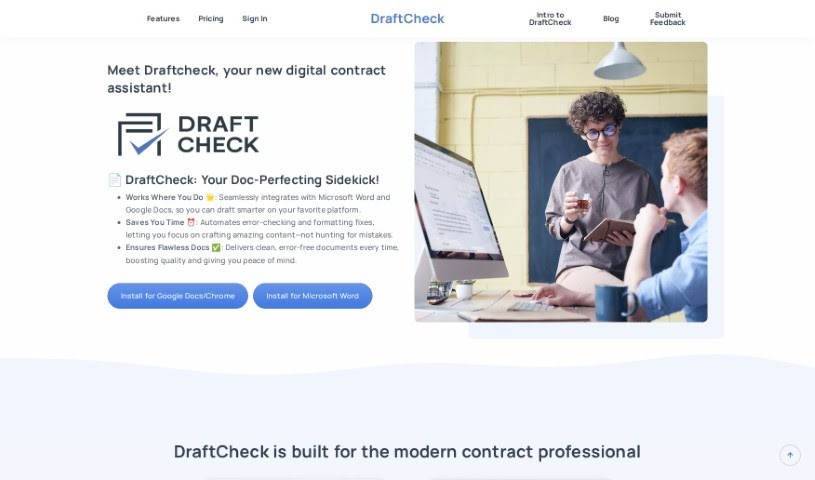
Screenshot of DraftCheck

DraftCheck

Discover what DraftCheck is and how to use it effectively in 2025. We'll explore its features and see how it stacks up against other legal tools.

Screenshot

What is DraftCheck?

DraftCheck is a digital contract assistant, essentially a smart tool built to help professionals like transactional attorneys and contract managers review and manage their contracts more efficiently. It comes packed with useful features, including Automated Review to catch errors, a Multi-Document Defined Terms Check to make sure related documents are consistent, and a Document Scoring feature that tells you how ready your document is. What’s great is that DraftCheck processes your documents right on your computer, keeping your information private. It only connects to its servers for authentication. You can try it out for free, and after that, it’s available for a subscription of $20 a month. You can get DraftCheck as an extension for both Google Docs and Microsoft Word.

To get DraftCheck set up on Google Docs or Microsoft Word, just head over to the Chrome Web Store if you’re using Google Docs, or the Microsoft AppSource if you’re on Microsoft Word.

Who created DraftCheck?

DraftCheck first came out on January 30, 2023. It was actually made by lawyers, for lawyers, with a specific focus on helping transactional attorneys and contract managers speed up how they review contracts. The whole idea behind it was to cut down on those repetitive tasks, boost efficiency, and make sure documents are prepared without errors. DraftCheck works on a subscription model, offering a free trial period, and then costs $20 per month. A key aspect of its design is processing documents locally on users’ machines, which is a big plus for data privacy. In short, DraftCheck offers automated review capabilities, a way to check defined terms across multiple documents, and continuous scanning to really improve document quality and how quickly you can review them.

Who is DraftCheck for?

  • Transactional Attorneys
  • Contract managers

How to use DraftCheck?

Using DraftCheck is pretty straightforward. Here’s a quick rundown:

  1. Getting Started (Installation): First, you’ll want to install the DraftCheck extension. You can find it in the Chrome Web Store if you use Google Docs, or on Microsoft AppSource if you’re working with Microsoft Word.
  2. Catching Errors: DraftCheck is designed to spot all sorts of issues. Think drafting mistakes, formatting problems, statements that don’t quite line up, or problems with how terms are defined. It helps ensure your documents are clean and error-free.
  3. Who Benefits Most: This tool is ideal for transactional attorneys and contract managers who want to streamline their contract review process and cut down on repetitive work.
  4. Key Features to Know: It includes Automated Review for spotting errors, a Multi-Document Defined Terms Check to keep consistency across related files, Document Scoring to assess readiness, and Contract History & Continuous Scanning to keep track of changes and improve document quality.
  5. Privacy First (Local Processing): DraftCheck processes your documents right on your own computer, which means your data stays private and secure.
  6. Keeping Track of Changes: You can use the Contract History & Continuous Scanning feature to monitor changes and fix errors in your contract documents as you go.
  7. Try Before You Buy (Trial Period): You get a 30-day free trial, giving you full access to all the features so you can really see what it can do.
  8. Pricing Details: Once your trial is up, you can continue using DraftCheck for $20 per month. This subscription gives you access to everything, including Automated Review, easy Document Navigation, and the ability to manage multiple projects at once.
  9. What’s Coming Soon (Upcoming Feature): Keep an eye out for Document Scoring! This feature will soon let you know how ready your document is and will highlight any errors you need to fix before you share it.
  10. The Big Wins (Benefits): Ultimately, DraftCheck helps you save time, stay organized, reduce risks, and cut costs by making your contract review process much more efficient.

Related AI Tools

Discover more tools in similar categories that might interest you

Stay Updated with AI Tools

Get weekly updates on the latest AI tools, trends, and insights delivered to your inbox

Join 25,000+ AI enthusiasts. No spam, unsubscribe anytime.