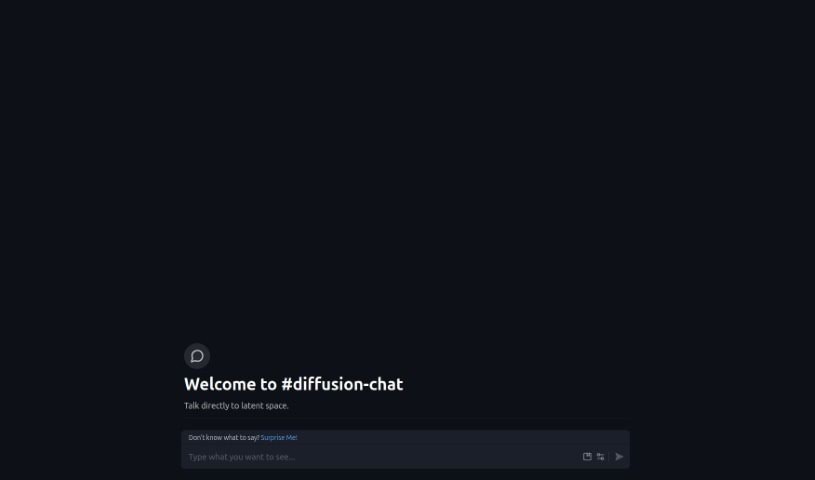
Screenshot of Diffusion Chat

Diffusion Chat

Discover Diffusion Chat in 2025! Learn its features, how to use it for AI image generation, and how it stacks up against other tools.

Screenshot

What is Diffusion Chat?

Diffusion Chat is a neat AI tool that lets you have conversations with something called ‘latent spaces.’ Think of it as a way to directly talk to and shape how data is generated. You can guide this process by using prompts, which are like instructions, along with modifiers to fine-tune things and negative prompts to tell it what you don’t want. It’s particularly good at handling large images, especially anime-style ones, at 512x512 resolution. Each time you generate something, it goes through about 30 steps. While it offers cool features like prompt modification, negative prompts, and a ‘Surprise Me’ button to give you ideas, it’s a bit of a bummer that it doesn’t save your prompts. This means you’ll need to re-enter them each time you want to start a new chat.

Who created Diffusion Chat?

Diffusion.chat was developed by an AI tool specifically designed for interacting with latent spaces. It first launched on June 14, 2024. This platform stands out with features like prompt modification and negative prompts, making it an efficient way to explore latent space interactions.

What is Diffusion Chat used for?

  • Having conversations with latent spaces
  • Working with a pre-trained model
  • Generating large anime images
  • Handling multiple images at once
  • Creating content through a step-by-step process
  • Applying modifiers to influence results
  • Using a negative prompt feature to exclude unwanted elements
  • Customizing data generation
  • Manipulating data in specific ways
  • Creating unique, tailored data

Who is Diffusion Chat for?

  • People in the entertainment industry, especially those working on anime projects.

How to use Diffusion Chat?

Here’s a simple guide to using Diffusion Chat:

  1. Choose Your Prompt: Start by picking or typing in a prompt to kick off the conversation.
  2. Add Modifiers: You can use modifiers to adjust the generated data and get closer to what you want.
  3. Use Negative Prompts: Tell the tool what you want to avoid in the output by using negative prompts.
  4. Let It Generate: The tool will then create content based on your prompt, modifiers, and negative prompts.
  5. See the Steps: Each generation process involves 30 steps to create the final result.
  6. Remember Storage: Just a heads-up, Diffusion Chat doesn’t save your prompts. You’ll need to enter them again for each new chat.
  7. Try ‘Surprise Me’: If you’re not sure where to start, the ‘Surprise Me’ feature offers quick suggestions to get you going.
  8. Engage with Latent Space: You can directly interact with the latent space through conversations and by generating content.
  9. Customize Your Output: Tailor the data you get by applying modifiers and negative prompts exactly how you like.
  10. Handle Large Images: Diffusion Chat works well with large images, particularly anime images sized at 512x512.

Diffusion Chat is a powerful tool for shaping conversations and images by interacting directly with latent space, offering a really unique and customizable experience for users.

Related AI Tools

Discover more tools in similar categories that might interest you

123RF AI Image Generator

Creative Image Generation
Learn More

Stay Updated with AI Tools

Get weekly updates on the latest AI tools, trends, and insights delivered to your inbox

Join 25,000+ AI enthusiasts. No spam, unsubscribe anytime.