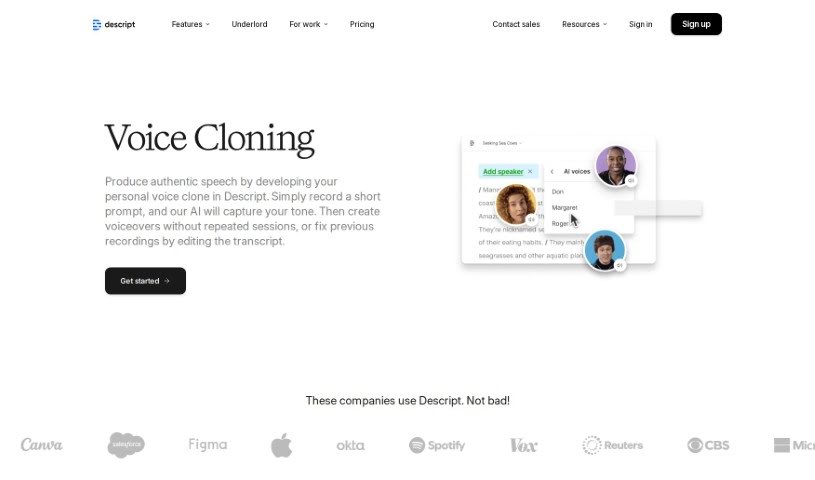
Screenshot of Descript AI Voice Cloning

Descript AI Voice Cloning

Discover what Descript AI Voice Cloning is and how to use it effectively in 2025. We'll explore its features and see how it stacks up against other voice generators.

Screenshot

What is Descript AI Voice Cloning?

AI voice cloning is all about creating a digital copy of someone’s voice using artificial intelligence. You just need to record a short script or a voice sample, and the AI can then generate a natural-sounding replica of that person’s voice. This is super handy for all sorts of things, like narrating videos, creating podcast intros, or even recording audiobooks, all without needing to spend ages in the recording studio. Not only does AI voice cloning speed up the whole production process, but it also makes sure your voice sounds consistent across different projects. It really saves a ton of time and effort while keeping that natural speech flow.

Who created Descript AI Voice Cloning?

Descript is the company behind this AI Voice Cloning technology. They offer really high-quality, realistic voice synthesis that’s built right into their audio and video editing tools. This makes voice cloning super user-friendly, even if you’re just starting out. Descript’s AI voice cloning tech lets you create a voice clone that sounds just like you by training the AI with recordings of your own speech.

How to use Descript AI Voice Cloning?

Ready to give it a try? Here’s how you can use AI Voice Cloning:

  1. Set up your AI speaker: Start by creating a new AI speaker in your Descript project. You do this by typing an ’@’ symbol in your script, followed by a speaker name. Then, in the speaker settings, choose “Enable speech generation.” This will prompt you to read a short script to start the voice cloning process.
  2. Record your voice sample: Now, you’ll need to upload your voice. You can record yourself reading the script, or have a collaborator do it. For the best results, make sure the recording is really clear and doesn’t have any background noise.
  3. Generate speech with your clone: Once your voice clone is ready, you can write a script – or even use AI to generate one for you – and then assign it to your new voice clone. The text will be automatically converted into speech, so you can hear your cloned voice reading whatever you’ve written.

By following these simple steps, you can easily clone your voice using AI technology for all your audio and video projects.

Related AI Tools

Discover more tools in similar categories that might interest you

Stay Updated with AI Tools

Get weekly updates on the latest AI tools, trends, and insights delivered to your inbox

Join 25,000+ AI enthusiasts. No spam, unsubscribe anytime.