1Flow
Sales & Marketing Digital Marketing
Learn more
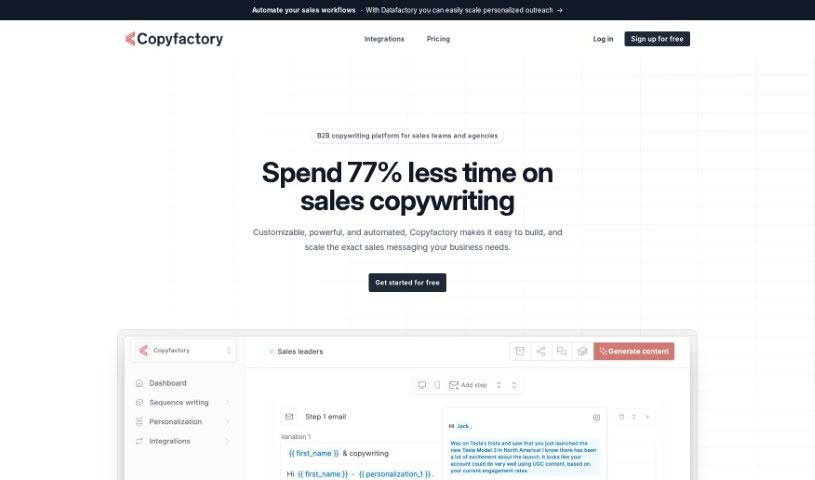
Discover Copyfactory, an AI copywriting platform for sales and marketing teams. Learn how it helps personalize outreach, build sales sequences, and sync.
Copyfactory is an AI copywriting platform built for sales and marketing teams. Its main goal is to help you write sales sequences and personalize campaigns more effectively, which should lead to better response rates. With Copyfactory, you can create your own email templates using AI, access Done-for-You Copywriting services, and manage sales content using Content Blocks. The platform is designed to cut copywriting time by as much as 77%, and it helps keep projects organized with its Profile feature. What sets Copyfactory apart is the control it gives you over the AI’s output and how well it fits into existing sales automation processes. Users often mention how it helps them scale personalization in sales development and boost outbound efforts without hiring more people.
Andreas Brolund is the developer behind Copyfactory. He launched the platform on June 10, 2022. It’s designed to help sales and marketing teams improve response rates by making it easier to personalize outreach and craft unique messages for each contact. Features include premise templates for core messaging, content blocks for reusing text, and syncing with tools like Outreach and Salesloft. Brolund founded Copyfactory with the aim of streamlining sales workflows, offering mobile previews, and supporting multi-step design processes.
These features help simplify sales messaging, increase personalization, and make outreach more effective.
Related
Discover more tools in similar categories
Weekly picks of the best AI tools we've researched and added — no spam, unsubscribe anytime.
Join 25,000+ AI enthusiasts. No spam, unsubscribe anytime.