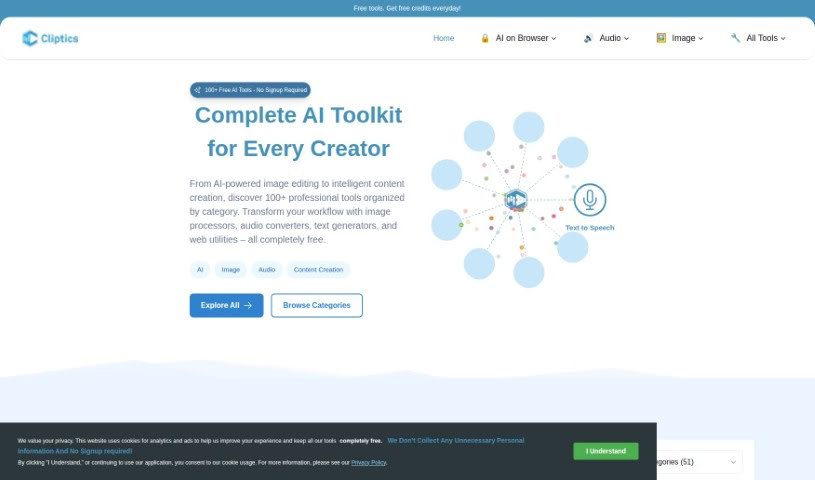
What is Cliptics?
Cliptics is a fantastic suite of free tools designed to make your daily tasks simpler and boost your productivity without breaking a sweat. It’s packed with useful features like an Image Converter, Image Compressor, Backlink Generator, Image Editor, Hashtag Generator, Title Generator, and a Content Ideas Generator. What really sets Cliptics apart, though, is its advanced speech synthesis technology, called Neural Voices. These voices sound so natural, it’s hard to tell they aren’t human, which really helps reduce listener fatigue and makes your audio feel authentic. You’ve got a great selection of accents and languages to choose from for your audio, including English (from the US, UK, Australia, and India), plus many others! With Cliptics, you can easily turn written content into audio for all sorts of things – think social media clips, educational materials, podcasts, YouTube videos, and so much more. It’s super user-friendly, gives you unlimited copyright ownership of the audio you create, lets you download your files as MP3s easily, and has a daily limit of 5000 characters for text-to-speech. Honestly, it’s a really versatile tool, perfect for anyone, whether you’re an individual or a business, who wants to create top-notch audio content for different platforms and projects.
Who created Cliptics?
Cliptics was actually founded by a group called “Cliptics” and they launched the platform on February 21, 2024. They offer a bunch of handy tools, including an Image Converter, Image Compressor, and a Backlink Generator, alongside helpful extras like a Hashtag Generator and Title Generator. Cliptics uses some really advanced speech synthesis tech called Neural Voices, which creates speech that sounds incredibly natural and comes in a variety of accents and languages. You can transform your written content into audio, and they give you a daily limit of 5000 characters for text-to-speech. The best part? It’s completely free to use, and you get to keep full copyright ownership of all the audio files you generate. This means you can easily use them in your personal or professional projects without any hassle.
What is Cliptics used for?
Cliptics is incredibly versatile and can be used for a wide range of content creation needs:
- Creating audiobooks
- Turning blog posts into spoken content
- Producing social media audio clips
- Generating audio for YouTube videos
- Enhancing podcasts with natural voiceovers
- Adding audio to Instagram Stories
- Developing educational materials in audio format
- Creating engaging audio for TikTok content
- Adding voiceovers to Facebook posts
- Transforming any written content into audio, perfect for social media
- Making educational materials more accessible through audio
- Producing high-quality audio for your podcasts
- Generating engaging audio for YouTube videos
- Making your Instagram Stories more dynamic with audio
- Creating audio content specifically for TikTok
- Adding voice to your Facebook posts
- Turning your blog posts into easily digestible audio content
- Converting educational content into spoken audio for wider reach
Who is Cliptics for?
Cliptics is a great fit for:
- Individuals and businesses looking for affordable, high-quality audio content, especially for popular platforms like YouTube, TikTok, Instagram, and Facebook. It’s also a fantastic resource for creating audiobooks and educational materials, or for podcasting.
- Content Creators on platforms like YouTube, TikTok, and Instagram.
- Podcasters who need natural-sounding voiceovers.
- Social Media Managers and Influencers wanting to add audio to their posts.
- Educators creating audio learning materials.
- Audiobook producers needing voice talent.
- YouTubers looking for voiceovers.
- Social media influencers wanting to enhance their content.
- Bloggers aiming to convert their articles into audio.
- Businesses that need budget-friendly, high-quality audio for various marketing and communication needs.
- Anyone who wants to transform written content into natural-sounding audio for social media, educational purposes, podcasts, or YouTube videos.
How to use Cliptics?
Using Cliptics is pretty straightforward! Just follow these simple steps:
- Transform Your Content: You can turn all sorts of content – like social media posts, educational materials, podcast scripts, YouTube video text, Instagram stories, and more – into audio using Cliptics.
- Enjoy Enhanced Interactions: You’ll find the platform really user-friendly, and the AI systems provide natural-sounding speech thanks to Cliptics’ advanced speech synthesis technology.
- It’s Free to Use: Yep, Cliptics is completely free for everyone.
- Daily Text-to-Speech Limit: Keep in mind there’s a daily limit of 5000 characters for text-to-speech conversions.
- Download Your Audio Files: You can easily download the audio files you create as MP3s, which makes it super simple to use them in your personal or professional projects.
- You Own the Copyright: You get to keep complete copyright ownership of all the audio files you generate on Cliptics.
- Pick Your Voice: Choose from a great selection of male and female voices, like John, Sophie, Nathan, and many others.
- Multiple Languages Supported: Cliptics supports a wide variety of languages and accents, making it a really versatile tool for users all around the world.
- Preview Your Audio: Before you finalize, you can preview the audio to make sure you’re happy with how it sounds.
- Create Podcasts Easily: You can use Cliptics to convert articles, PDFs, and even emails into podcast material, giving you quality soundscapes for really engaging content.
- Perfect for Many Users: It’s ideal for individuals and businesses that want budget-friendly, high-quality audio for platforms like YouTube, TikTok, Instagram, and more. It’s also great for educational materials, audiobooks, and podcasts.
- Integration Potential: While the tool doesn’t explicitly mention direct integration with other AI systems, it’s a fantastic asset for effortlessly generating natural-sounding audio that you can then use in your other projects.