Adaface AI Resume Parser
Human Resource Recruitment
Learn more
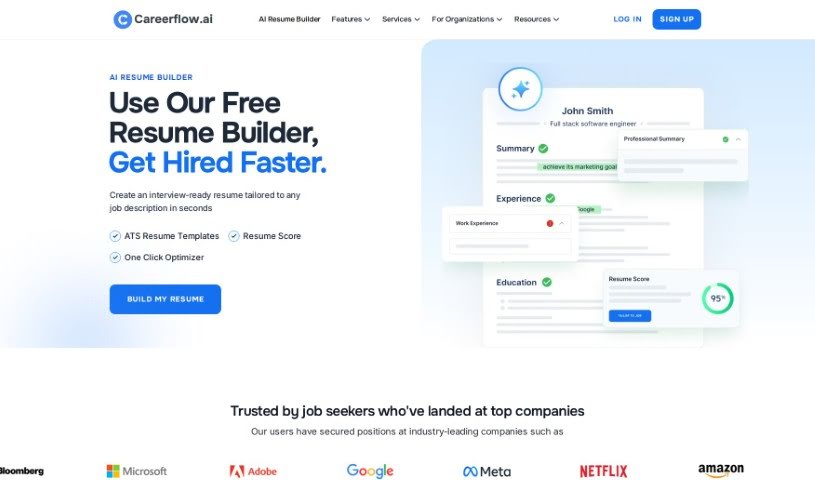
Discover Careerflow Resume Builder, an AI tool for creating professional, ATS-friendly resumes with generated bullet points, summaries, and cover letters.
Careerflow’s AI Resume Builder helps you create professional resumes designed to pass Applicant Tracking Systems (ATS) and appeal to hiring managers. It uses AI to generate bullet points, custom resume summaries, and personalized optimization tips aimed at making your resume more effective and increasing your chances of landing interviews.
Beyond resume building, the tool includes a Resume Summary Generator, an AI Bullet Point Writer, a Cover Letter Writer, and job application tracking features. You can also make quick edits directly in your browser with the Careerflow Chrome Extension.
Careerflow Resume Builder was developed by Sumera Malik, a Site-Engineer mentioned in the tool’s testimonials. She built it to provide AI-generated bullet points, resume summaries, and personalized optimization tips that make resumes more effective.
The builder is aimed at a wide range of professionals, including:
Following these steps helps you build a resume that meets industry standards and showcases your qualifications.
Related
Discover more tools in similar categories
Weekly picks of the best AI tools we've researched and added — no spam, unsubscribe anytime.
Join 25,000+ AI enthusiasts. No spam, unsubscribe anytime.